Aqua App














All-in-One Online Video & Audio Tools


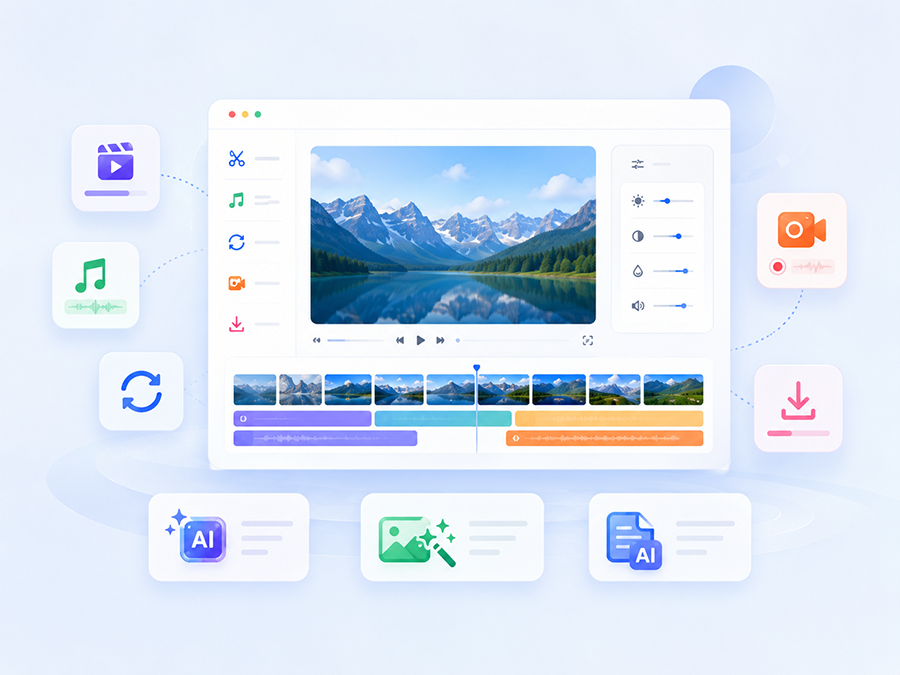
Choose a Tool Hub
Find Your Workflow
- check_circleTrim and cut videos
- check_circleResize for social platforms
- check_circleAdd subtitles
- check_circleSplit and merge audio
- check_circleMix and enhance audio
- check_circleConvert video formats
- check_circleConvert audio formats
- check_circleCompress for web sharing
- check_circleConvert for devices
- check_circleExport GIFs
- check_circleRecord your screen
- check_circleCapture webcam video
- check_circleRecord voice and audio
- check_circleSave online videos
- check_circleDownload audio
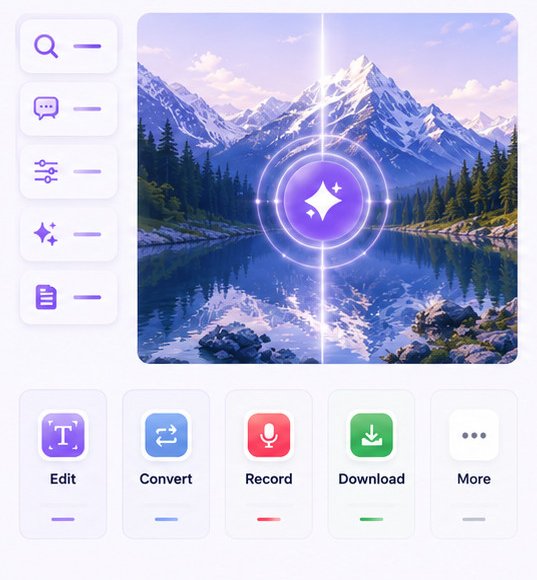
Core Multimedia Tools







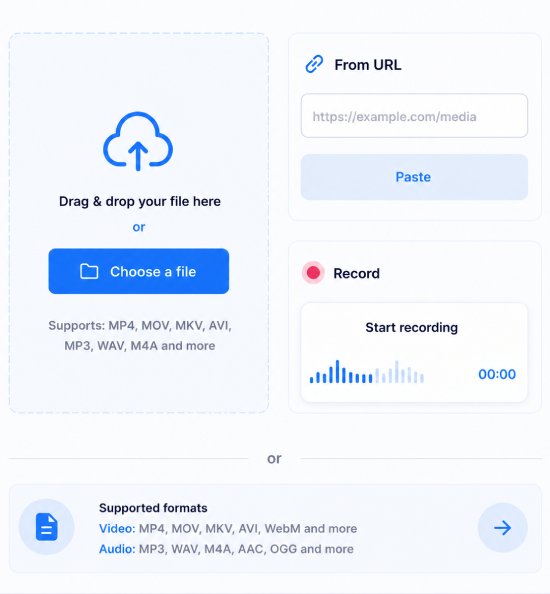
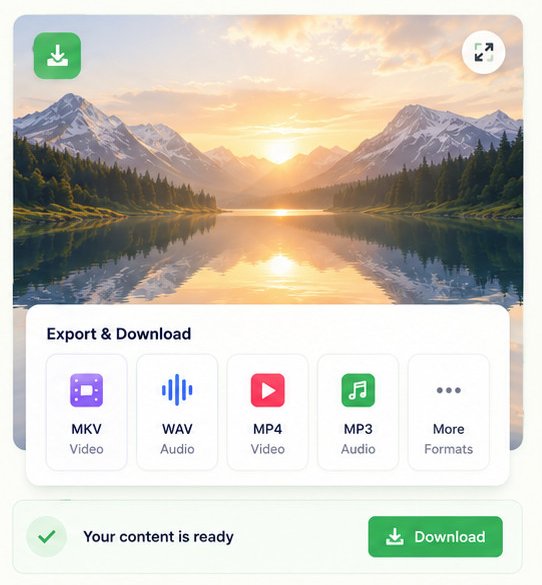
From Input to Output
Frequently Asked Questions
Our media tools support a wide range of popular video and audio formats, including MP4, MOV, AVI, WebM, MP3, WAV, AAC, FLAC, and more. Supported formats may vary by tool, ensuring compatibility for most everyday editing, conversion, recording, and download tasks.
Most tools can be used without creating an account, allowing you to start working immediately. However, signing in may provide access to additional features, higher usage limits, saved projects, or premium functionality depending on your subscription plan.
Yes. Our Online Recorder lets you capture your screen, webcam, microphone, or a combination of these sources, depending on the recording tool you choose. It's ideal for tutorials, presentations, online meetings, gameplay, and educational content.
Yes. Our Video Editor and Audio Editor provide dedicated tools for trimming, splitting, merging, resizing, mixing, converting, and transcribing media. Whether you're creating content or making quick adjustments, you can complete your workflow in one place.
File size limits and processing times vary depending on the tool and your subscription plan. Most files are processed within minutes, while larger or more complex media projects may require additional time to complete before they're ready for download.
Yes. The Media Downloader allows you to download media from supported websites and convert compatible URLs into MP4 or MP3 files. Always ensure you have the right to download and use the content and comply with applicable copyright laws.
Absolutely. Our platform is built with a responsive mobile design. Whether you're using a desktop, laptop, tablet, or smartphone, you can access your media tools anytime, anywhere.
Most tools can be used without creating an account, allowing you to start working immediately. However, signing in may provide access to additional features, higher usage limits, saved projects, or premium functionality depending on your subscription plan.