Aqua App

















All the AI Photo Editing Tools You Need

What You Can Do with AI Photo Editing Tools


Easy and Reliable Photo Editing with AI
Frequently Asked Questions
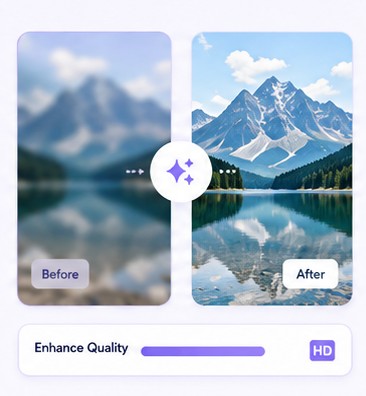
The easiest option is to use the Photo Enhancer tool. Simply, upload your image, choose an upscale rate of up to 4x, and start the enhancement process. The tool will automatically improve image quality and increase resolution.
You can prepare your image by improving image quality, removing unwanted objects, adjusting backgrounds, and applying filters before sharing. These edits can help make your content look cleaner and more visually appealing. Once you are satisfied with the result, download the image in the appropriate size for your platform.
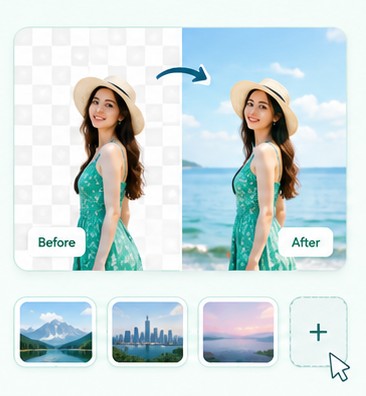
You can use either the Background Changer tool or Quick Edit AI. Both tools allow you to modify the existing background and create a different look for your image. The best choice depends on whether you want a specific replacement background or a quick automated edit.
Start by removing distractions and making sure the product is clearly visible. You can enhance image quality, adjust the background, and improve sharpness to create a cleaner presentation. Well-edited product photos can make items easier for customers to view and evaluate.
Yes, AI editing tools can help improve brightness, sharpness, and color balance in your images. Features such as Quick Edit AI and Photo Enhancer can automatically apply these adjustments. This can enhance the appearance of a photo without requiring manual editing.
Start Improving Your Photos