menu

Creative Tools Collection
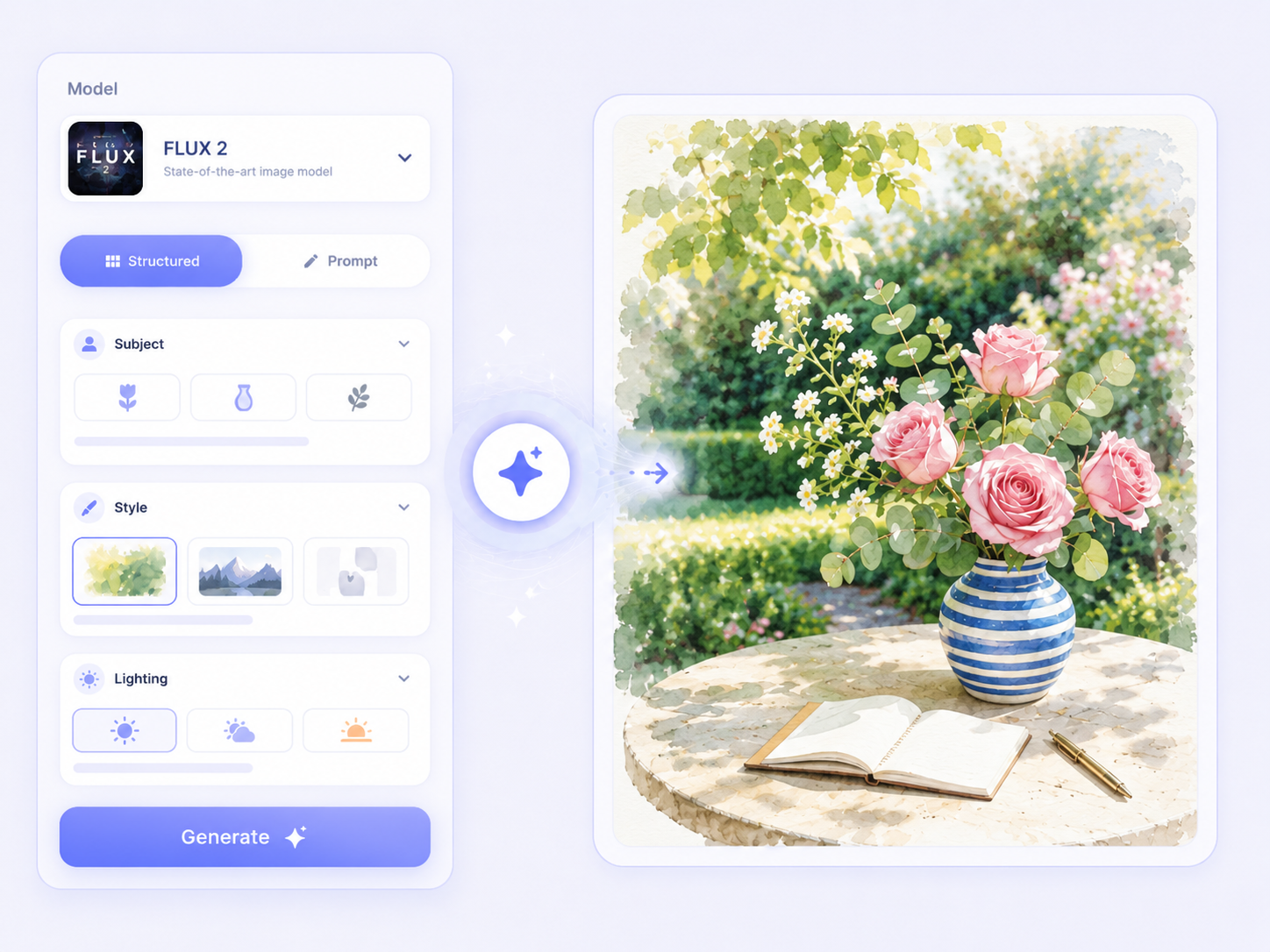
Browse a selection of tools designed to help you create images, videos, and visual designs for different projects and creative needs.

What You Can Do with AI Create Tools
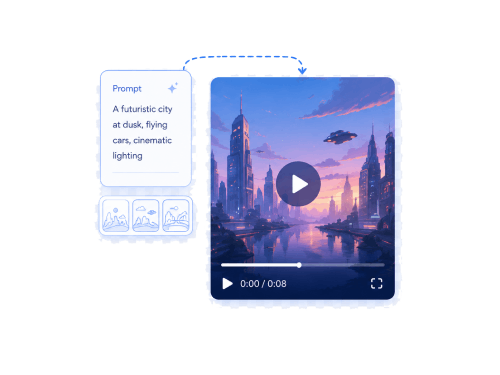
Discover the outcomes you can achieve using these tools, whether you are creating visuals, producing videos, or designing eye-catching posters.
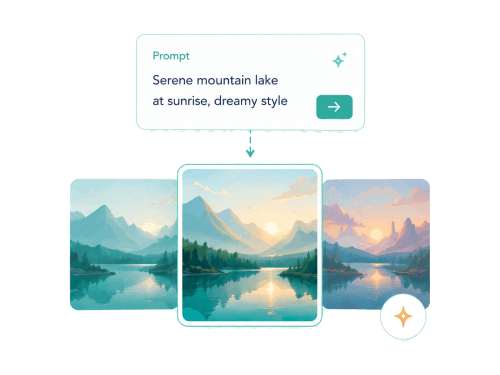
turn prompts to image
Turn Ideas Into Visual Artwork
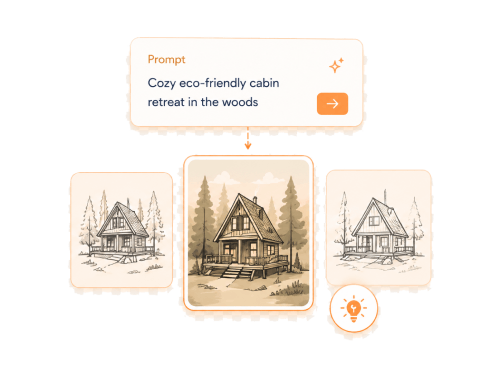
Create custom visuals from written descriptions for presentations, social posts, creative projects, or concept planning. This helps you quickly turn simple ideas into clear images, even without drawing skills or advanced design skills.
Text to Image
Poster Designer

Create Videos
Create Videos From Written Concepts
Turn short prompts into video content by describing scenes, actions, or themes in plain text. This is useful for storytelling, lessons, demos, and presentations when you want to start with an idea instead of a full edit.
Text to Video

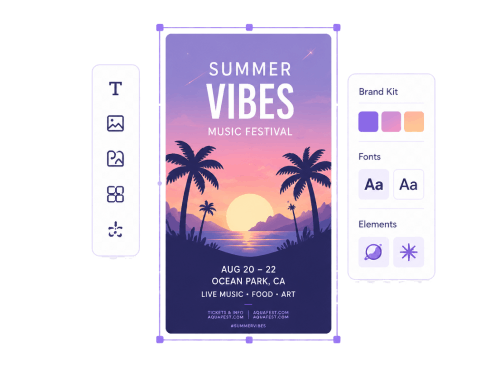
Design Posters
Design Posters for Different Purposes
Build posters for events, announcements, promotions, or school projects using simple layouts and text options. You can arrange content clearly to fit your message and make it easier to share.
Poster Designer
Text to Image

creative concepts
Share Ideas in a Clear Visual Format
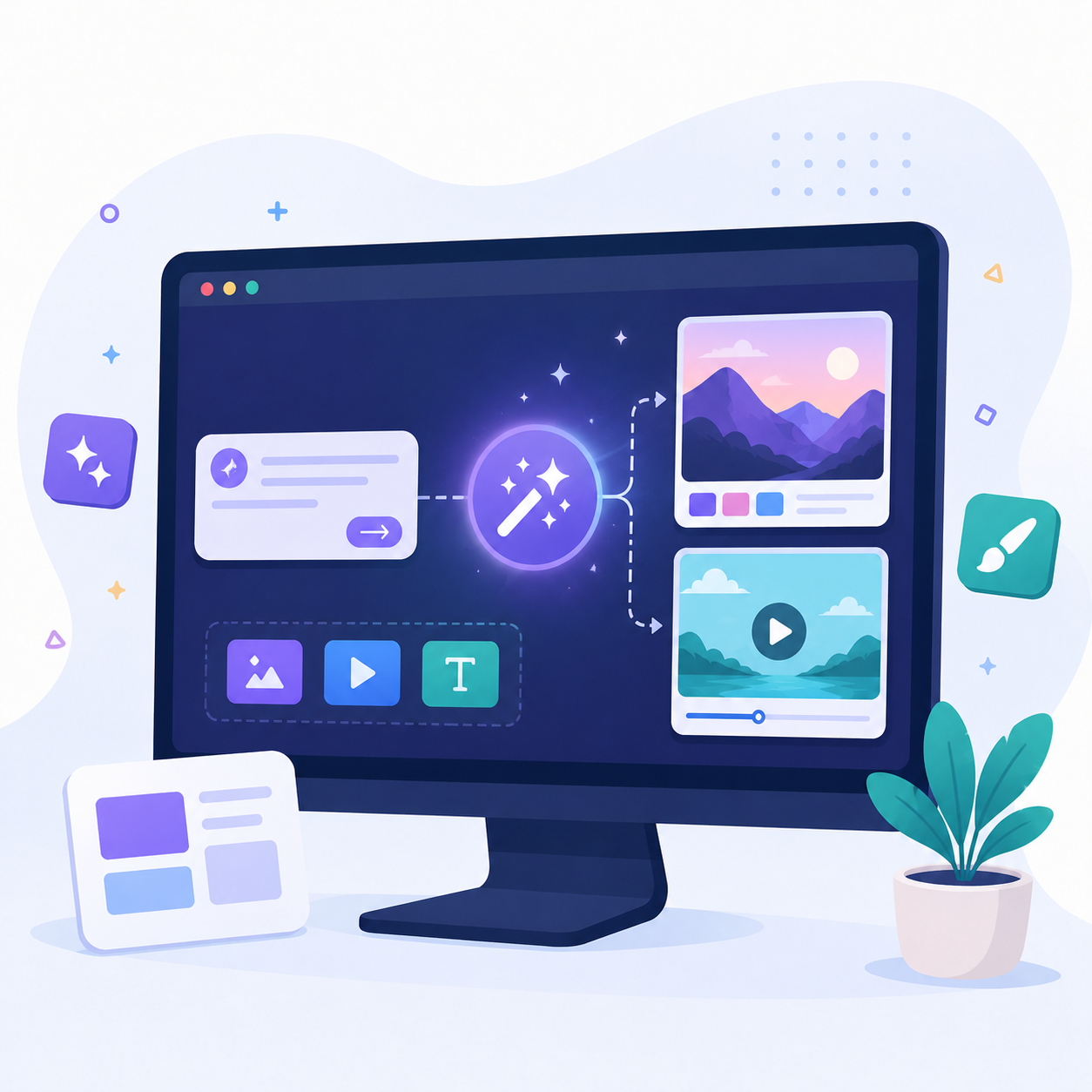
Combine images, video, and poster layouts to present ideas in an easy-to-understand way. This helps when you need content for planning, teaching, or sharing a concept with others.
Text to Image
Text to Video
Poster Designer

Why Choose Our AI Creators?

Prompt-based Content Creation
Create images and videos by describing your ideas in text instead of starting from scratch.

High-Quality Outputs
Generate clear and detailed visual content suitable for presentations, marketing materials, and creative projects.

Different Aspect Ratios Available
Choose from various aspect ratios to create content optimized for different platforms and screen sizes.

Download-ready Visual Outputs
Save images, videos, and designs in formats ready for sharing or further use with no copyright issues.

Frequently Asked Questions

What kind of prompts work best for image generation?

Both simple and detailed prompts can produce images successfully. However, detailed prompts usually yield better results because they provide the AI with more information about the subject, style, colors, and scene. So, adding specific details can help create an image that is closer to what you have in mind.

Can I use generated images in presentations and reports?

Yes, generated images can be used in presentations and reports. They can help illustrate ideas, explain concepts, or make content more visually engaging. Make sure the image fits the purpose of your project and follows any applicable usage requirements.

How do I make my AI-generated video more relevant to my prompt?

Use clear and specific descriptions when creating your prompt. Include important details such as the subject, actions, setting, style, and overall mood you want the video to show. The more relevant information you provide, the more closely the generated video can match your intended result.

Can I customize the text on my poster?

Yes, you can modify the text on your poster to match your design needs. The tool supports various font options, including Inter, Roboto, Oswald, Poppins, Bebas Neue, and more. You can adjust the text to create a style that fits your message and layout.

How do I choose the right layout for my poster?

The right layout depends on where and how you plan to use your poster. Different platforms and purposes may require different dimensions, and the tool provides multiple layouts with various aspect ratios. Choosing a layout that matches your intended use can help your content look organized and properly formatted.

Start Creating Visual Content
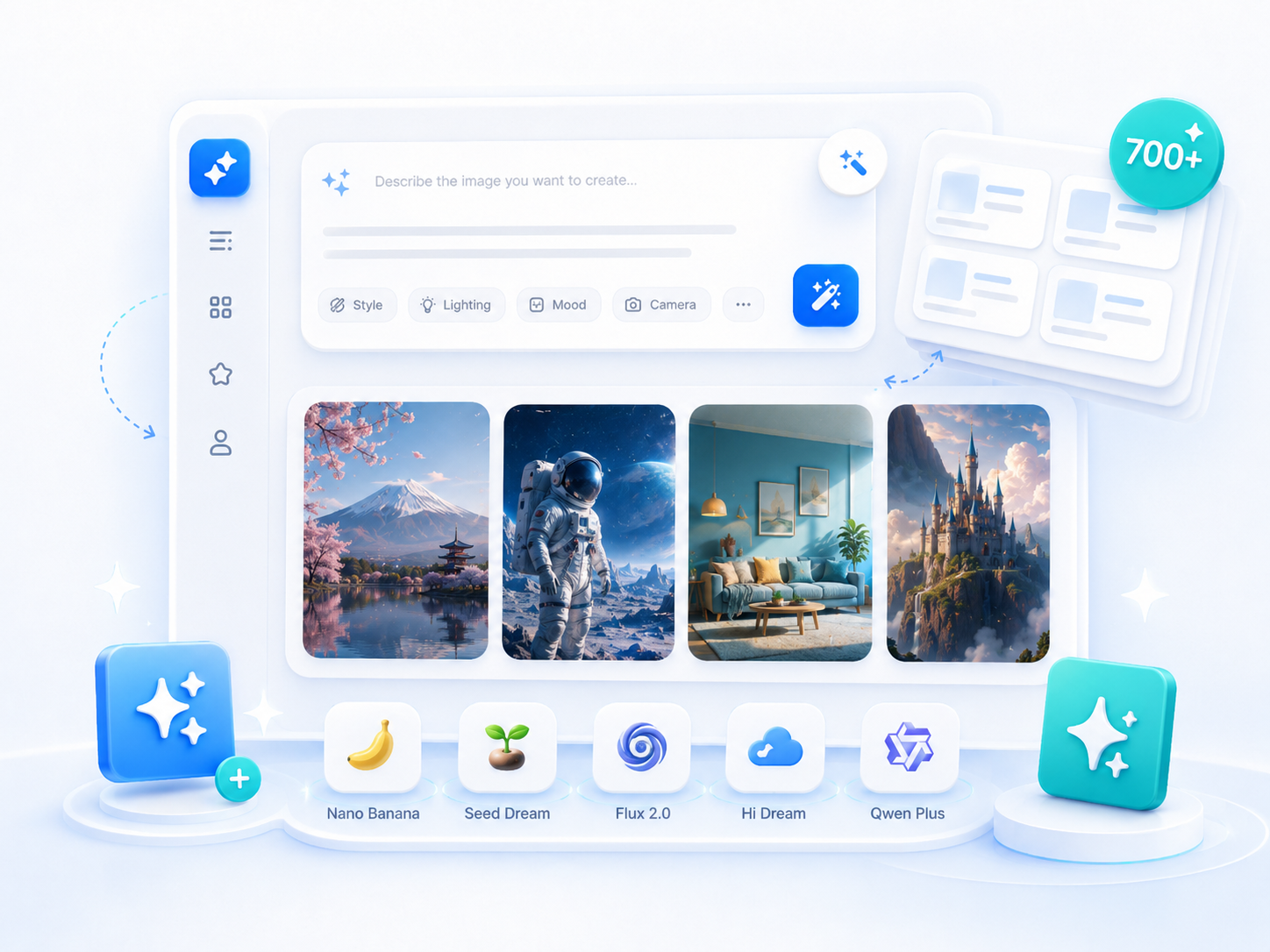
Explore the tools and start turning your ideas into images, videos, and poster designs.

ai creator

Back to Top
Contact Us