 Aqua App














Free Online Video Converter


How to Convert Videos Easily Online
-
01Upload Video File
Start by uploading the video file to the video converter. Any video is supported, but make sure it doesn't exceed 100 MB and that the video format is supported.
-
02Choose Preferred Format
Once the file is uploaded, select the desired output format from the pop-up menu, such as MP4, MOV, AVI, MKV, and more.
-
03Convert and Download
Start the conversion process and wait until it is finished. After that, download the file and save it to your device.


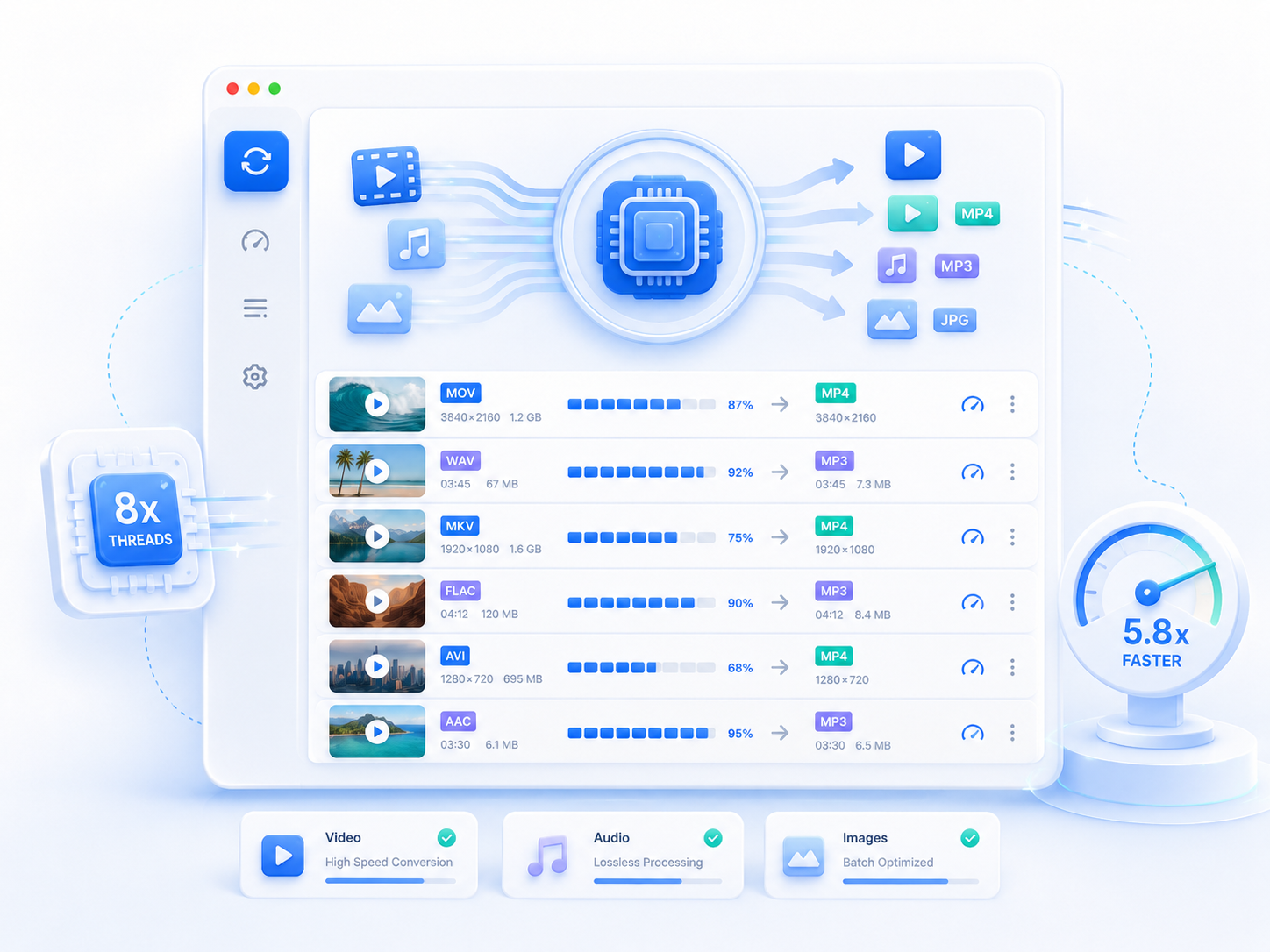
Upgrade to AceThinker VidElement
- No file size limits
- Batch video conversion
- Supports more formats
- Built-in video editor
- High-quality exports
- Faster processing options

Frequently Asked Questions
Yes. You can convert supported video formats to MP4, a common format for playback, sharing, and compatibility across devices. Just upload your video, select MP4 as the output format, and start the conversion. MP4 is a practical choice because it works well on phones, computers, and many media players.
Quality depends on the original file and output settings. Often, the converted video retains good visual quality, but some changes may occur due to compression or format differences. If your source video is high quality, the result is usually still usable for viewing, sharing, or uploading to other platforms.
Yes. You can convert videos into formats that work well on Android phones, iPhones, tablets, and other mobile devices. Choosing a widely supported format like MP4 usually gives the best playback. This ensures your video opens smoothly on smaller screens without extra apps or special settings.
Large videos take longer because they require more data to upload, process, and download. Conversion time also depends on video length, file size, and internet speed. Shorter videos usually finish faster, while longer or higher-resolution videos take longer.
No. This is a browser-based tool, so you do not need to install any software on your device. You can open the tool in your web browser, upload your video, choose the output format, and download the converted file when it is ready. This makes it easy to use on different devices without setup.