menu

Convert Videos in Your Browser Instantly

What You Can Do with Media Conversion Tools
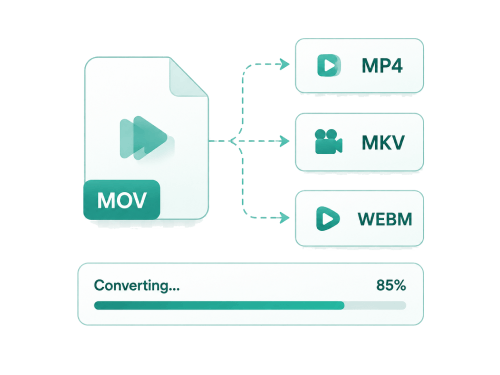
Change audio and video formats for easy editing, sharing, or playback across different devices and platforms.
Convert Video
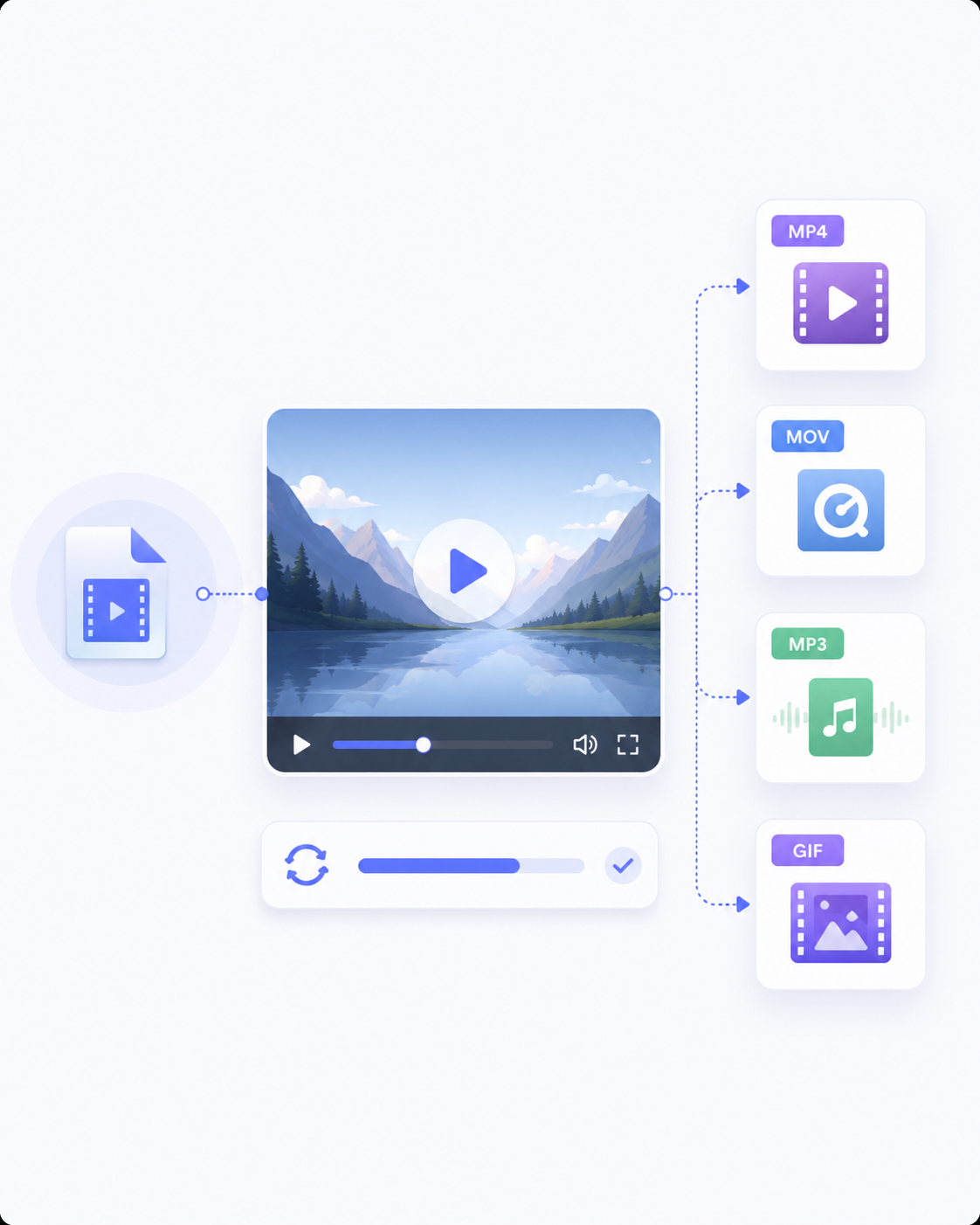
Make Videos Work on Any Platform
Ensure your video files play correctly across devices and apps by converting them to compatible formats. This helps avoid playback issues and makes sharing easier on social media, in editing tools, or on websites.
Video Converter
MP4 Converter

Convert Audio
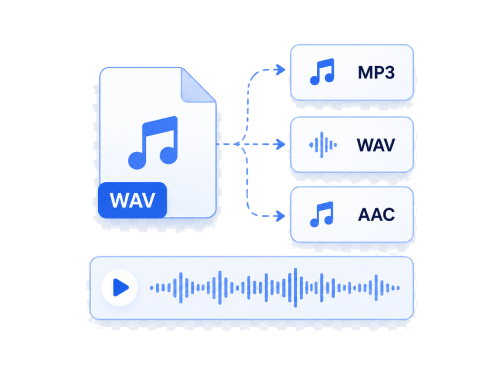
Change and Fix Unsupported Audio Formats
Solve playback or editing issues by converting audio files into widely accepted formats. This makes it easier to open files in most players and editing software without errors or quality loss during basic conversion.
Audio Converter
MP3 Converter
WAV Converter

Prepare Files for Sharing
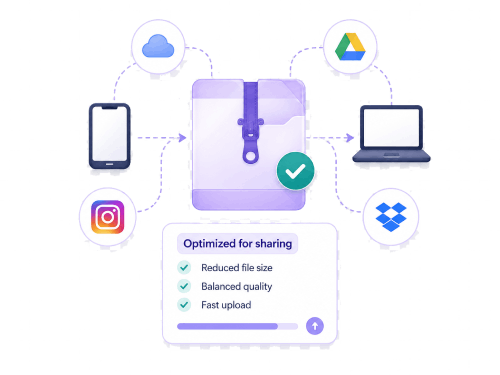
Prepare Media Files for Sharing Online
Make large video or audio files easier to store and share by converting them into more efficient formats. This is quite helpful when uploading files to online platforms, sending via messages, or saving space on devices.
MP4 Converter
MP3 Converter
Video Converter

Video Clips into Shareable Animations
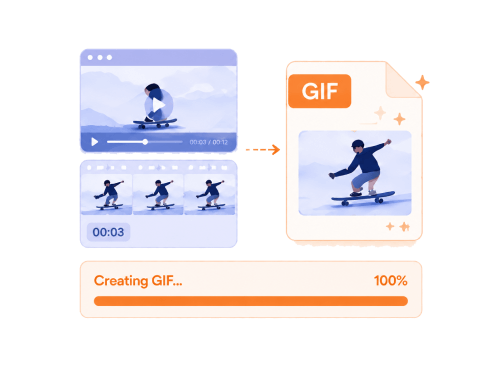
Turn Video Clips into Shareable Animations
Convert short video moments into lightweight GIFs that loop automatically and are easy to share online. This is useful for reactions, highlights, or quick visual content without needing full video playback.
Video to GIF
Video Converter

Safe and Reliable Media Conversion

Cross-Device Compatibility
Use media converter tools on desktop, laptop, or mobile devices to convert files anytime and anywhere.

Lightweight Processing
Convert media files quickly using a simple system designed for fast processing without complex steps or settings.

Secure File-Processing
Files are safely processed in the browser during conversion, helping keep uploads protected throughout the process.

Basic Quality Retention
Converted audio and video files retain usable quality suitable for playback, sharing, or basic editing.

Frequently Asked Questions

How can I convert MKV videos into a format that plays on most devices?

You can use the MKV to MP4 or Video Converter tool to change MKV files into a more widely supported format. MP4 is recommended because it is supported by most devices, apps, and media players. After conversion, you can download the output file and check if it plays correctly on your target device.

How do I reduce compatibility issues when converting videos for different devices?

Choose widely supported formats, such as MP4 for video and MP3 for audio, when converting files. These formats are more likely to work across different devices, platforms, and editing tools. This makes the converted file easier to open on phones, computers, and media players without extra adjustments.

Can I convert large video files into smaller, more shareable formats?

Yes, you can convert larger files into more efficient formats using the Media Converter tools. The upload limit is 100 MB, so ensure your file is within that size limit before starting. Converting to formats like MP4 can also help reduce file size for easier sharing.

How do I choose the correct output format when using the Media Converter tools?

The correct format depends on how you plan to use the file after conversion. MP4 is best for videos, MP3 is common for audio, and GIF is used for short animations. You should select a format that is compatible with your device and intended use.

What is the fastest way to turn a video clip into a GIF?

The fastest way is to use the Video to GIF tool and upload a short video clip. Short videos work best because GIFs are meant for quick, looping visuals rather than long content. After conversion, you can download the GIF to share or use as a preview.

Ready to Convert Your Media Files?
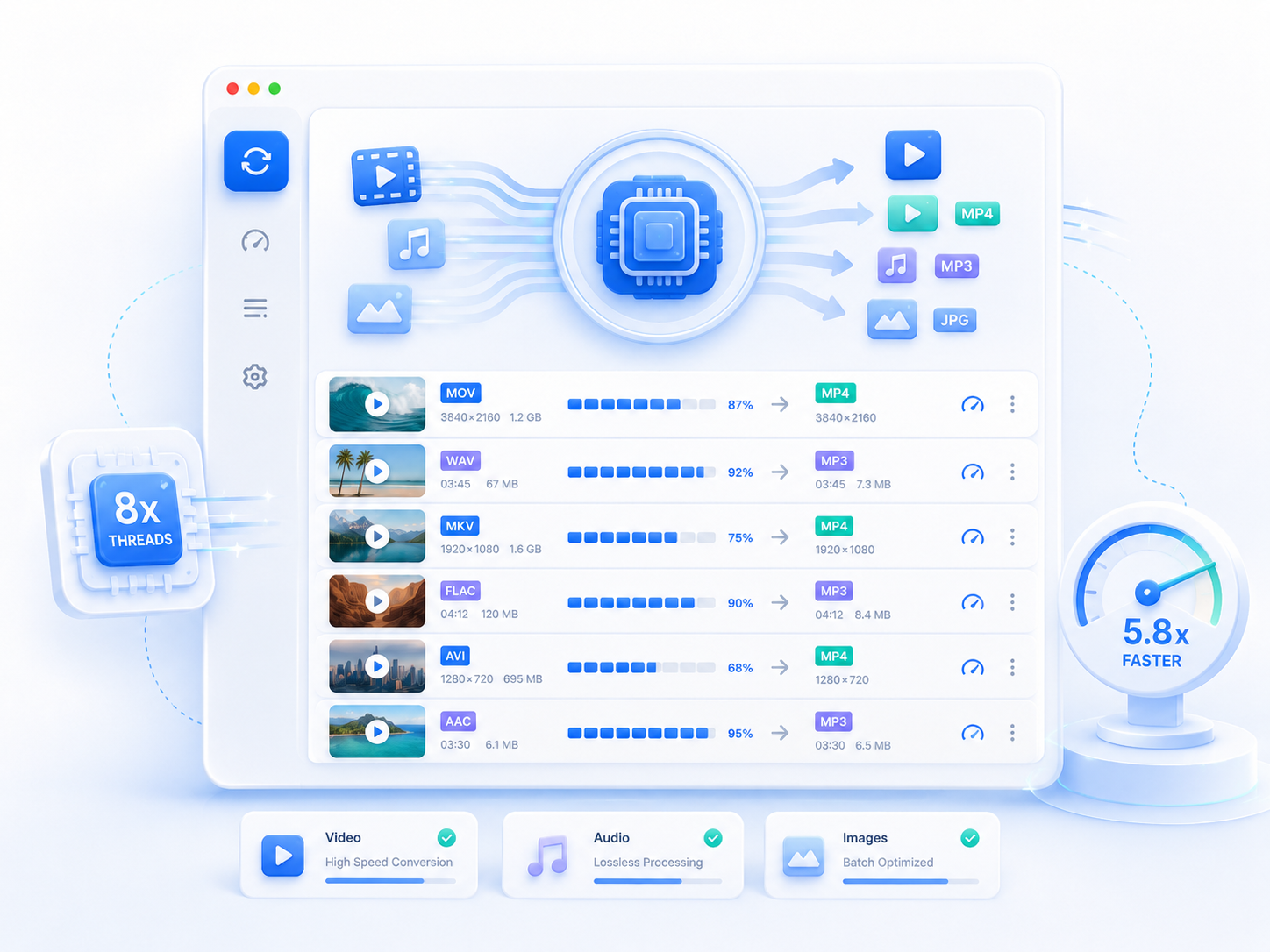
Use Media Converter tools to change audio and video files into formats that work across devices and platforms.

pro video converter

Back to Top
Contact Us