 Aqua App














Free Online AI PDF Summarizer
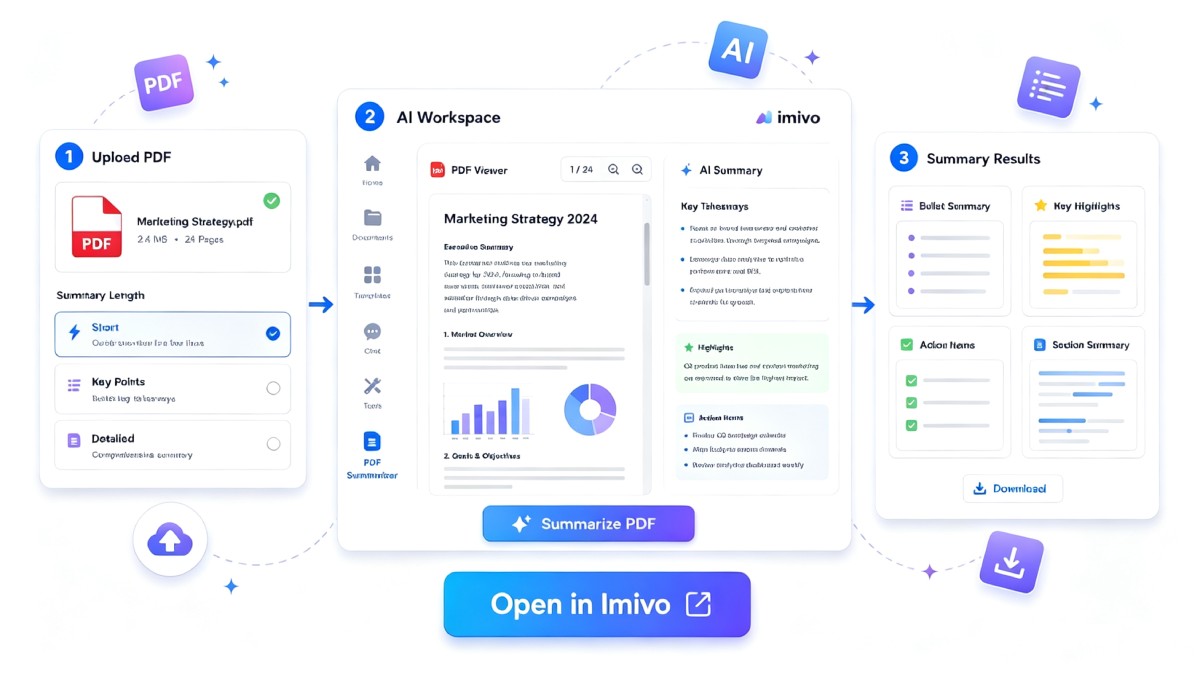


How to Summarize a PDF with AI
-
01Upload Your Document
Start by uploading your document in a supported format, including PDF, DOCX, TXT, or XLSX, so the AI can analyze its content.
-
02Customize the Summary
Then, choose the Summarize option and edit the preset AI prompt or instructions to generate a summary tailored to your needs.
-
03Generate and Review
Once ready, generate the summary, review the key points, and copy or download the summarized text for your preferred use.
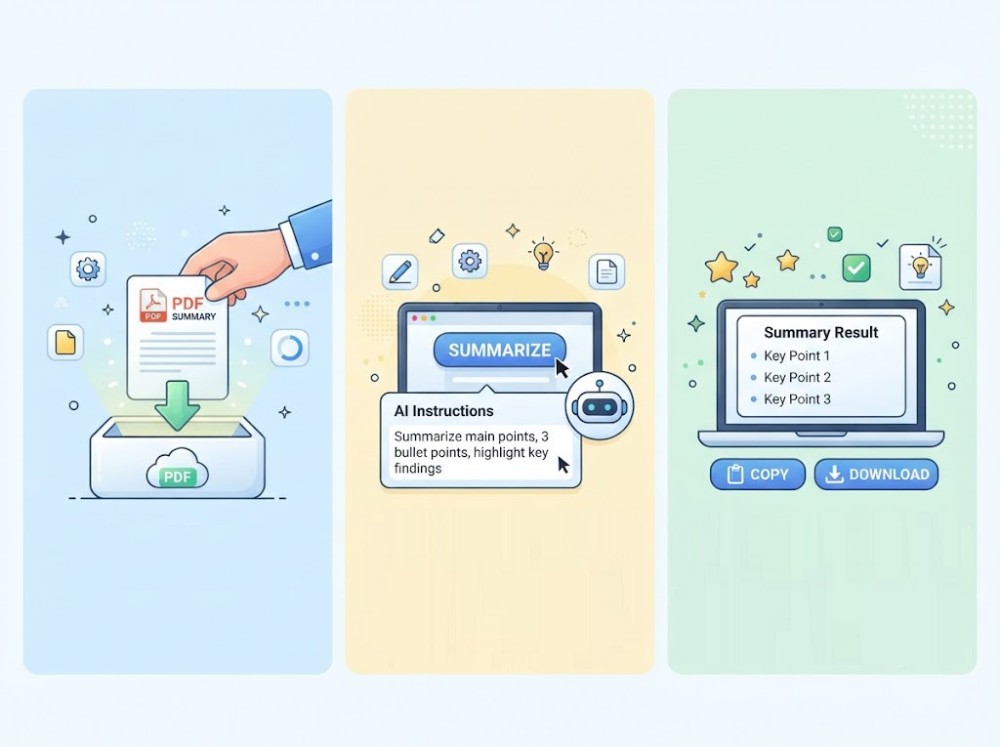




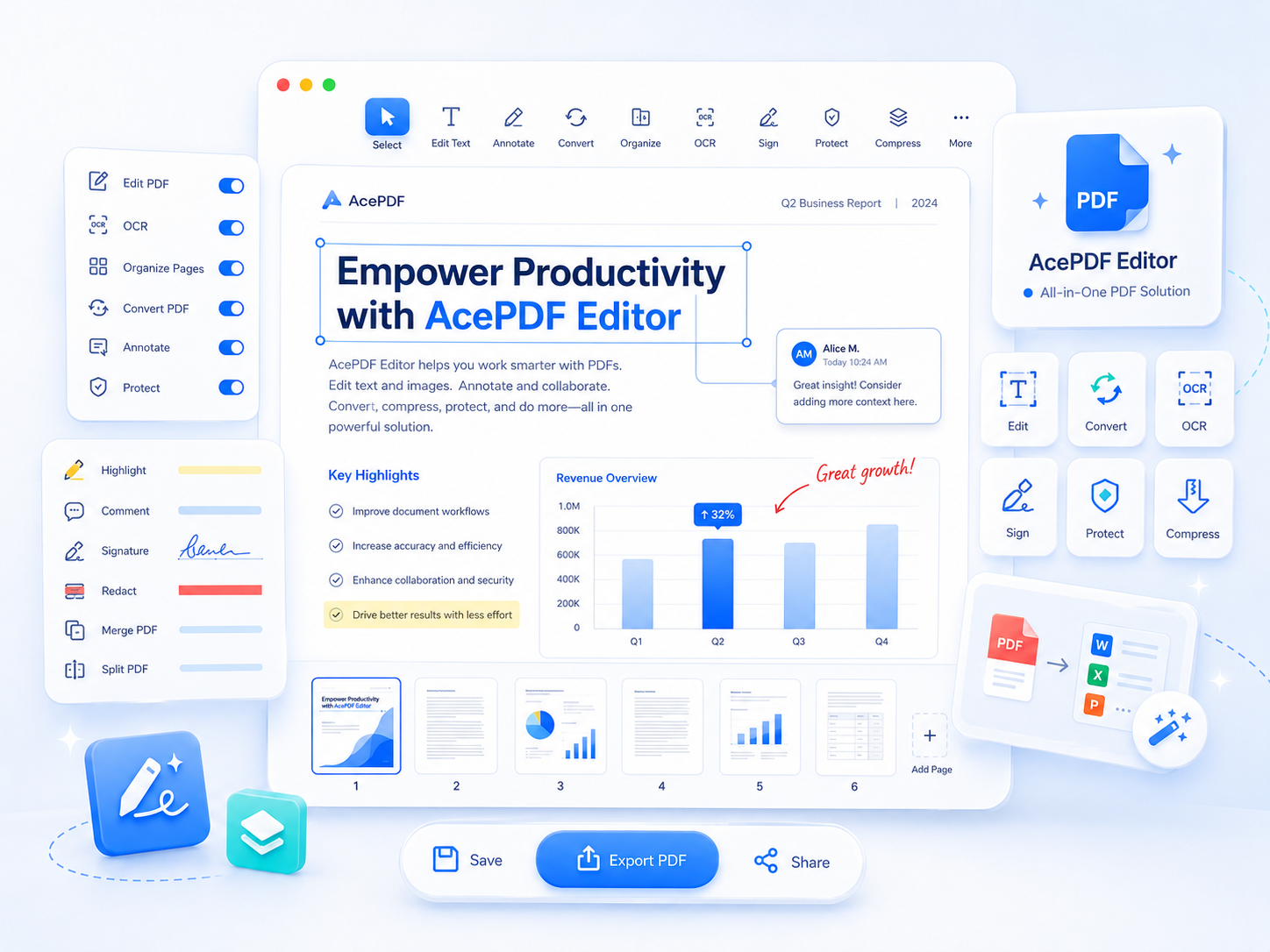
Unlock More with AcePDF Editor
- Edit PDF text
- Convert PDF files
- Protect with passwords
- OCR scanned PDFs
- Merge PDF documents
- Add digital signatures

Frequently Asked Questions
To summarize a PDF online, upload your document and choose the Summarize task. The tool analyzes the document with AI and generates a concise overview of the main ideas and important information. You can review the generated summary, refine it by editing the prompt if needed, then copy the results or export them as a Markdown (.md) or Text (txt) file. The tool also supports DOCX, TXT, and XLSX files if your content is stored in other document formats.
The AI PDF summary tool creates an AI-generated summary that highlights the document's main ideas and essential information instead of copying the original text. Depending on the task you choose, you can also generate Key Takeaways, Action Items, an Executive Brief, Questions & Answers, or Extract Data from the same document. You can customize the preset prompt to produce summaries that better match your intended audience or workflow.
Yes. The tool is suitable for reviewing business reports, academic papers, training materials, manuals, meeting notes, and other text-based documents more efficiently. It can help you understand lengthy content before preparing presentations, writing reports, studying for exams, or conducting research. If you're working with confidential or copyrighted documents, make sure you have permission to upload and process the content according to your organization's or institution's policies.
No. The purpose of the PDF Summarizer is to condense the document into its most important points rather than reproduce every paragraph or detail. Some supporting information, examples, or minor sections may be omitted to keep the summary concise. If you need more specific information, you can modify the prompt, use another AI task such as Q&A or Extract Data, or review the original document alongside the generated summary.
Yes. AI-generated summaries are designed to help you understand documents faster, but they should be reviewed before being used in business, academic, legal, or other professional settings. Checking the summary against the original PDF helps confirm that important facts, figures, dates, and context have been preserved. This is especially important when the document contains technical information, compliance requirements, or critical business decisions.