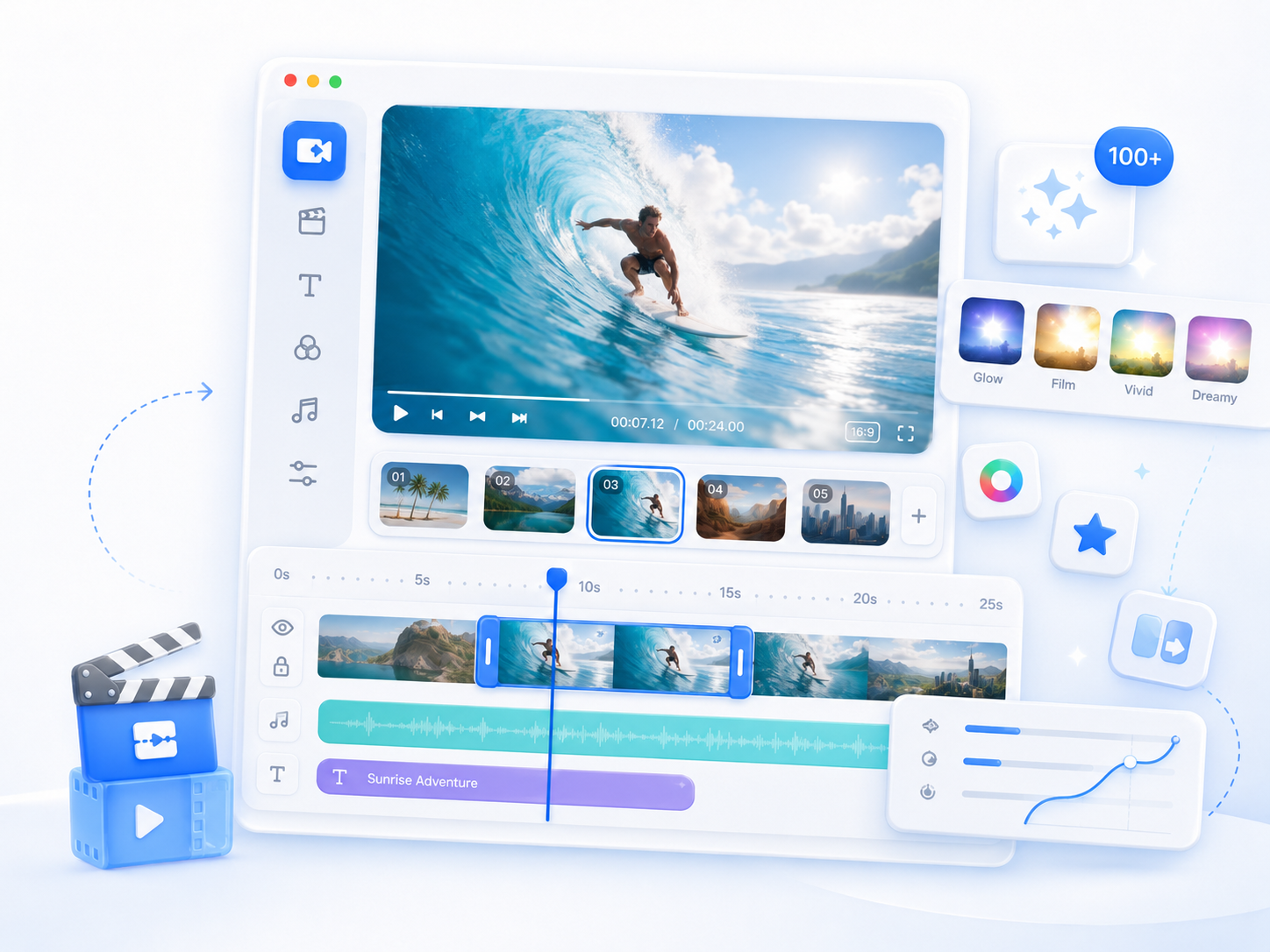
Aqua App
















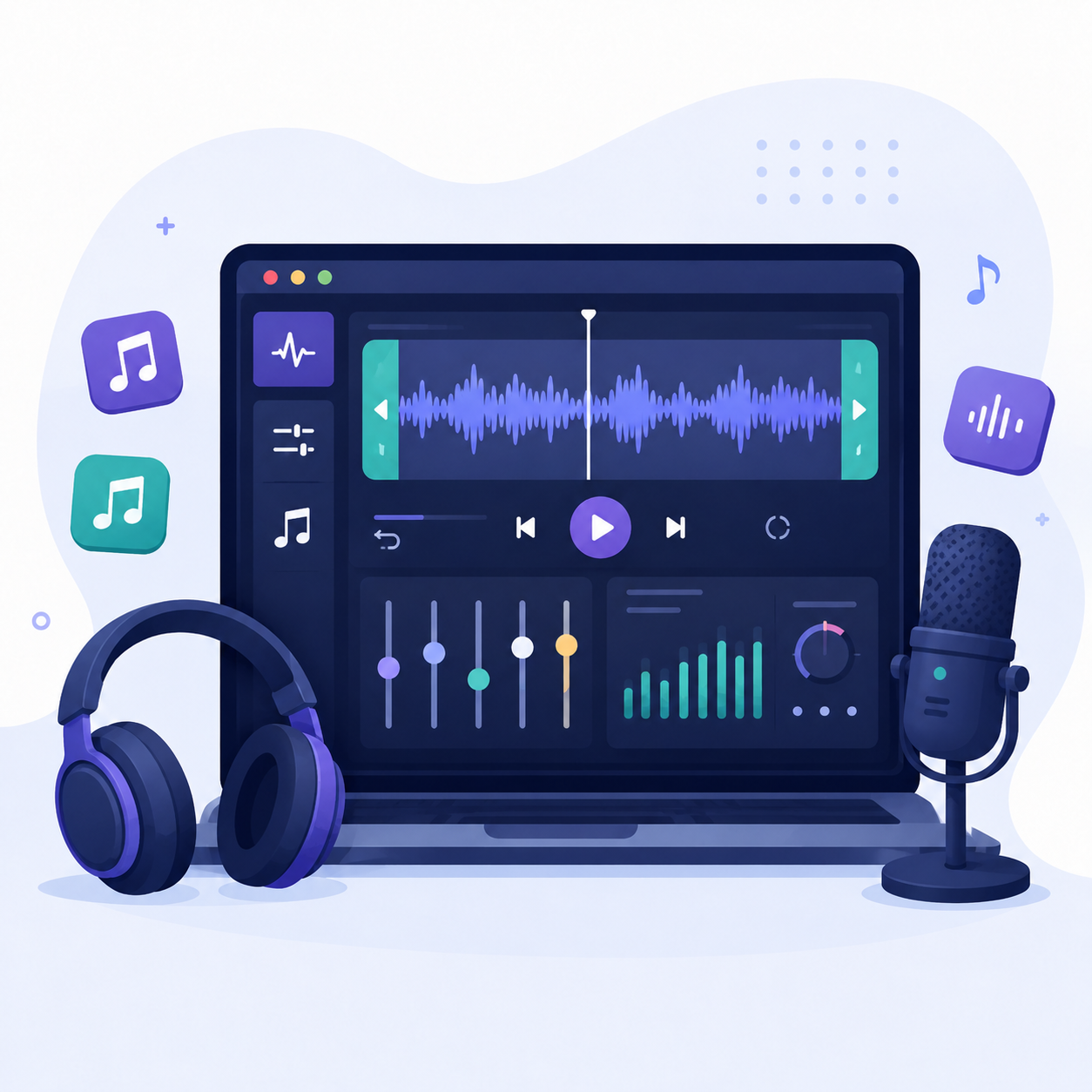
Trim and Cut Audio Online for Free
Core Audio Editing Tools
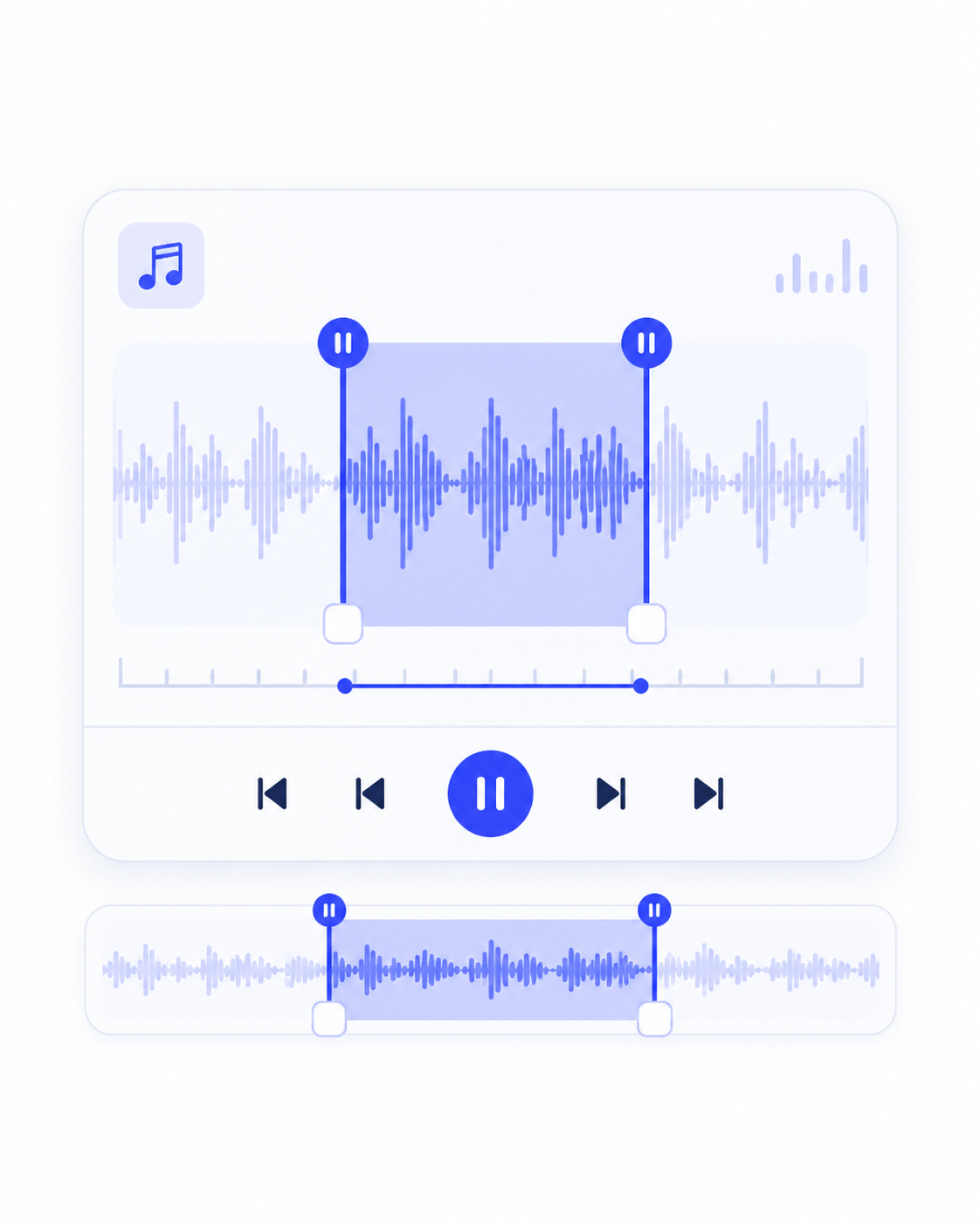
What You Can Do with Audio Editor Tools
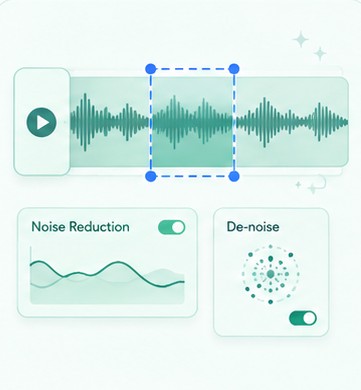
Audio Editing Tools You Can Trust
Frequently Asked Questions
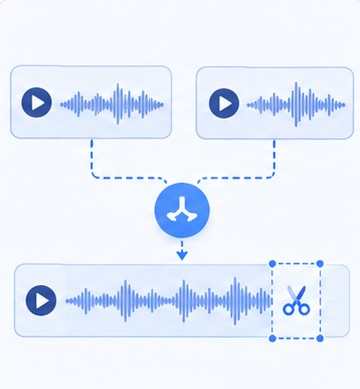
You can use tools to trim, merge, and adjust audio to prepare recordings for podcasts or simple projects. These tools make organizing segments and improving clarity easier before publishing. They are designed for basic editing without complex steps.
You can use tools that remove unwanted parts and arrange audio segments clearly, such as Audio Cutter, Audio Splitter, and Audio Merger. These help turn rough recordings into structured and usable audio files. They improve overall sound quality and organization.
Yes, you can edit audio files while keeping the original unchanged. The tools let you make adjustments and export a new version after editing. This preserves your original recording for backup or future use.
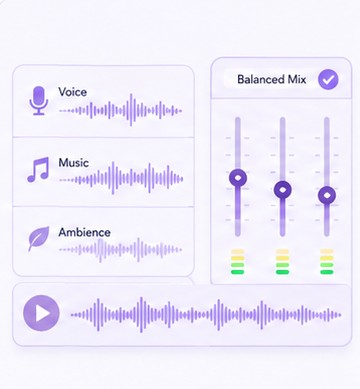
First, preview your audio mix before exporting to check how the voice and background sound work together. The tools let you adjust volume levels until the balance sounds clear and natural. This avoids one sound overpowering the other in the final output.
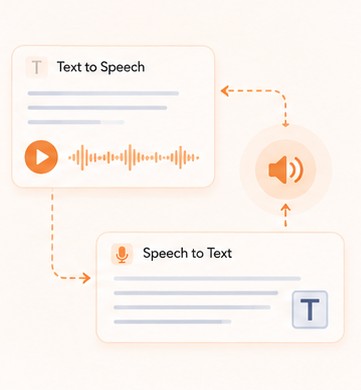
Upload your interview audio to the AI transcription tool to automatically convert speech into text. The tool processes the audio and generates a readable transcript. Review the text afterward to ensure it matches the original conversation.
Start Editing Your Audio Now