menu

What You Can Do with AI Document Tools
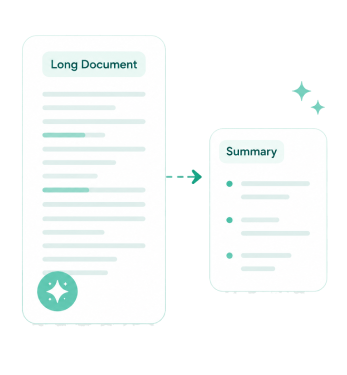
Discover practical ways to work with documents, from summarizing content and asking questions to generating reports, study materials, and organized visual overviews.
Understand Long Documents Faster
Review lengthy files more efficiently by focusing on key information instead of reading every page. Save time when working with reports, articles, research materials, and other detailed documents.
PDF Summarizer
Summary Generator

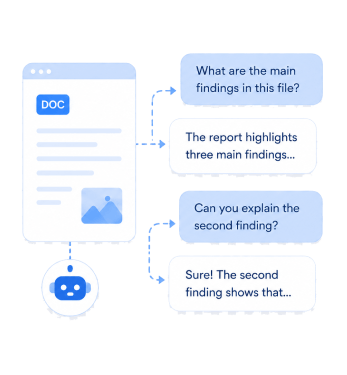
Find Answers Without Manual Searching
Get information from documents by asking direct questions rather than scanning pages. This makes it easier to locate details, understand content, and explore specific topics within uploaded files.
Chat with PDF
Chat with Document

create reports
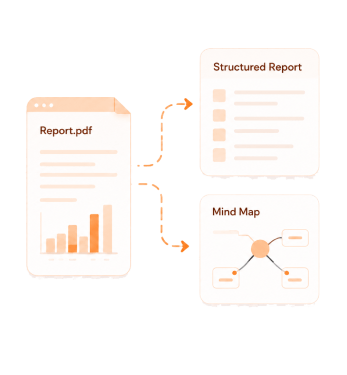
Turn Information Into Organized Reports
Convert ideas, notes, or source materials into structured reports that are easier to review and share. Organize information for work, research, projects, and documentation tasks.
AI Report Generator
Summary Generator

Understand Complex Topics
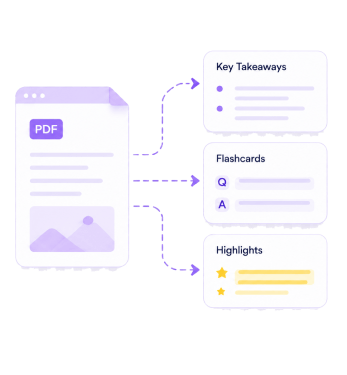
Understand Complex Topics More Easily
Break down complicated information into a format that makes key ideas easier to follow. This helps with learning, planning, brainstorming, and reviewing large amounts of information.
Mind Map Generator
Study Notes Generator

Built for Secure Document Workflows

Responsible AI Assistance
Review AI-generated outputs to ensure accuracy and suitability for your needs.

Supports Common Documents
Work with PDFs and Word Documents, supporting document formats for different tasks.

Fast Processing Results
Receive summaries, answers, and organized content quickly from uploaded documents.

Secure Document Handling
Documents are processed safely while using AI-powered document tools.

Frequently Asked Questions

What is the difference between Chat with PDF and Chat with Document?

Chat with PDF is designed specifically for PDF files and allows you to ask questions based on their content. On the other hand, Chat with Document works with a wider range of document types and provides similar question-and-answer functionality. The main difference is that one focuses only on PDFs, while the other supports various document formats.

How do I find specific information in a long document?

You can use Chat with PDF or Chat with Document to ask direct questions about the content. Instead of reading the entire file, you can search for details by asking about a topic, section, or keyword. This helps locate important information more quickly and efficiently.

Can I create reports from summarized information?

Yes, summarized information can be used as the basis for creating reports. A summary helps identify the most important points, which can then be organized into a structured report format. This can save time when working with lengthy documents or research materials.

How do I use AI tools to support research and learning?

AI tools can help summarize content, answer questions, generate study notes, and organize information into mind maps. These features make it easier to review materials and focus on important concepts. They can be useful for studying, research projects, and understanding complex topics more efficiently.

What documents can I upload and analyze?

You can upload and analyze many types of documents, including PDFs, reports, articles, research papers, study materials, business documents, and notes. The tools are designed to process document content and help extract useful information. This makes them suitable for educational, professional, and personal document tasks.

Simplify Document Workflows
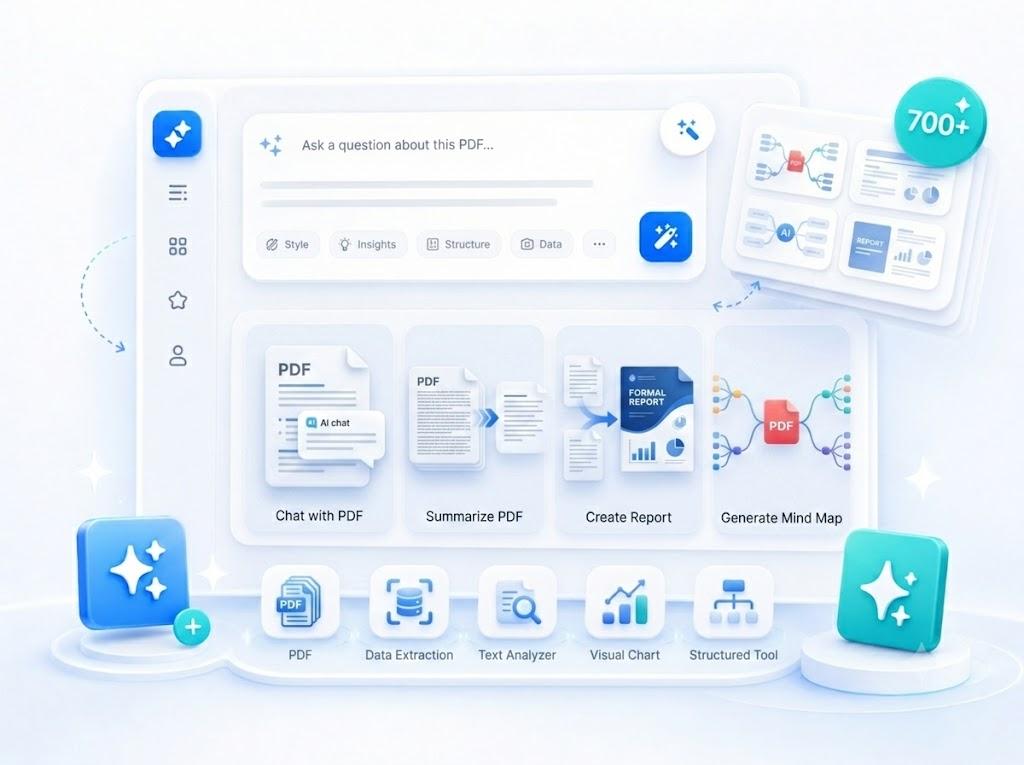
Access tools that help you understand, organize, and process document content faster.

ai document tools

Back to Top
Contact Us