 Aqua App














Free Online Video Resizer


How to Resize Video Online
-
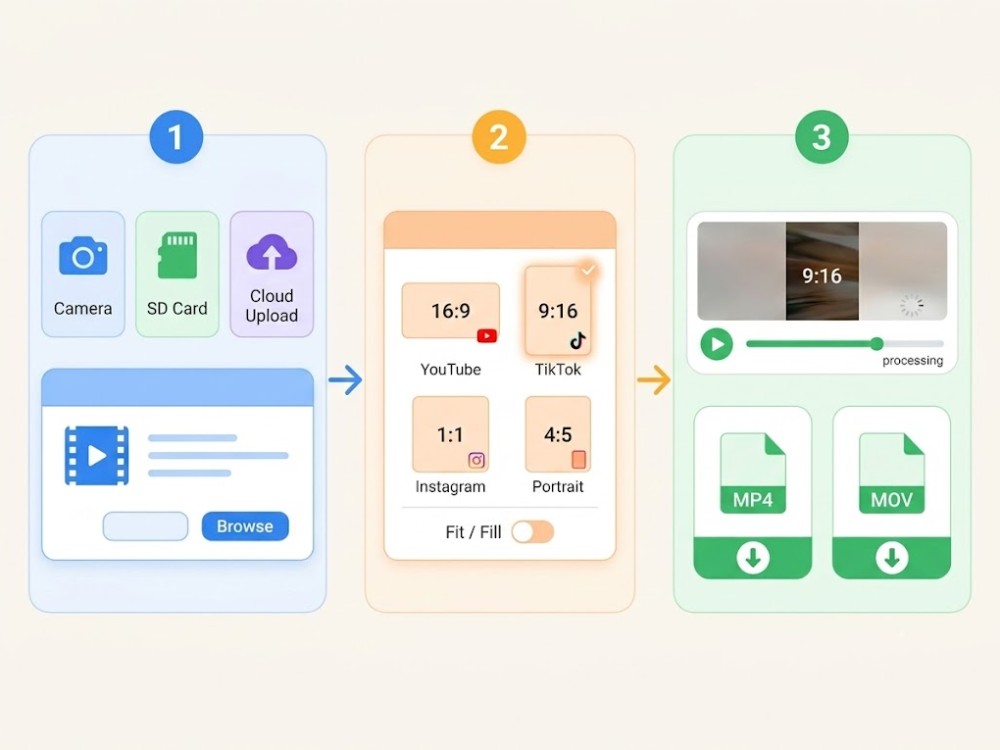
01Upload Your Video
Upload a landscape or portrait video from your device, keeping the file under 300 MB, so you can start resizing it in the online Video Resizer.
-
02Choose Dimensions
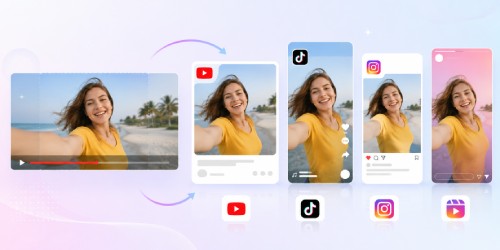
Select an aspect ratio such as 9:16 (TikTok/Reels), 16:9 (YouTube), 1:1 (Instagram), or 4:5 (Portrait), then choose either the Fit or Fill option.
-
03Resize and Export
Start the resizing process to apply the selected dimensions, then preview the resized video, and export it as an MP4 file ready for sharing or playback.



Go Pro with AceThinker Wind Cut
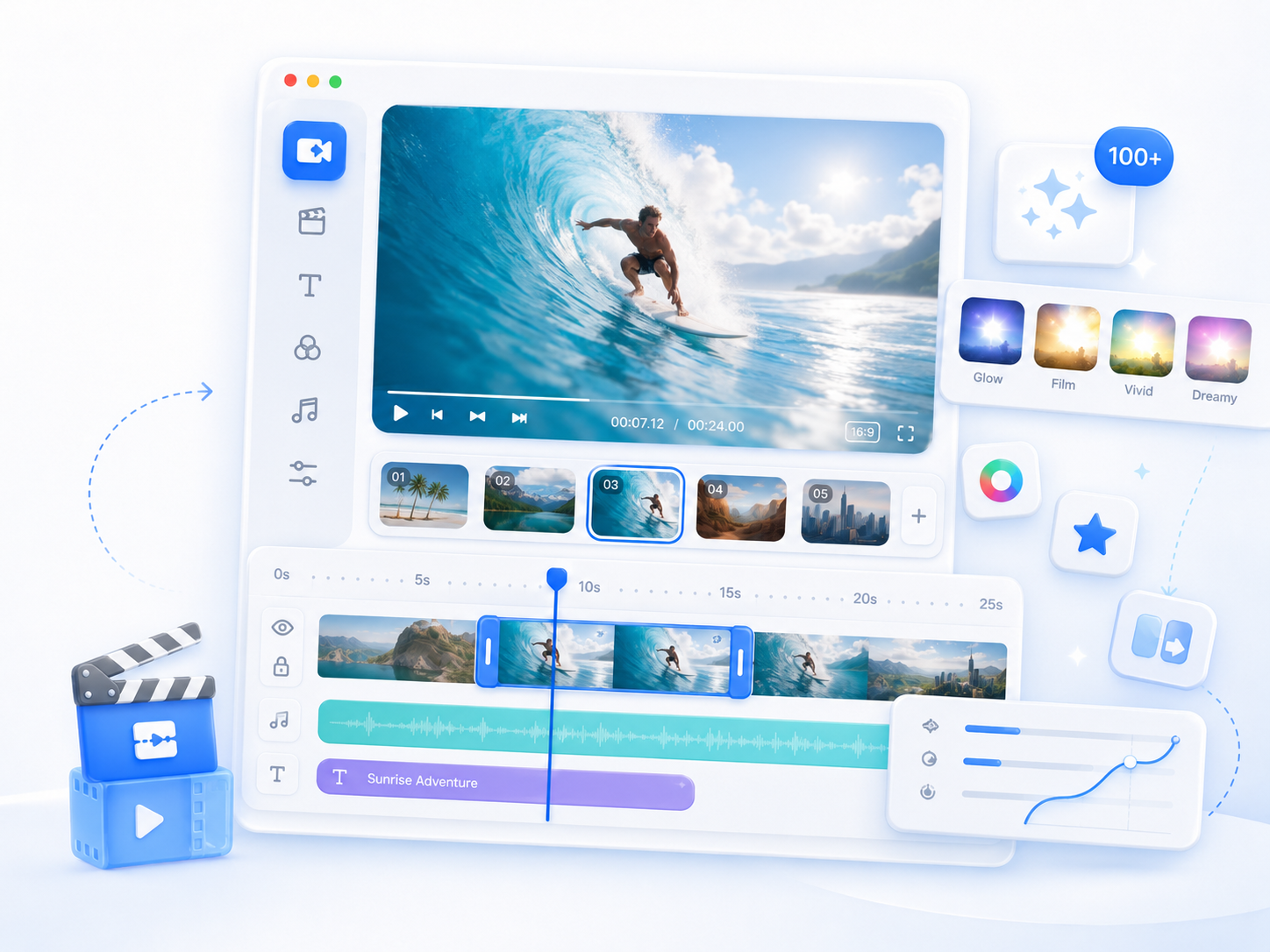
- All-in-one video editor
- Advanced resize controls
- Visual effects available
- Timeline video editing
- No upload limits
- Beginner-friendly

Frequently Asked Questions
Upload your video, then choose the aspect ratio that matches the platform where you plan to post it. For example, use 9:16 for TikTok and Reels, 1:1 for Instagram posts, 4:5 for portrait feeds, or 16:9 for YouTube. You can also select Fit to keep the entire video visible or Fill to crop it to the chosen frame before exporting the resized video.
The Video Resizer includes presets for several popular platforms and video layouts. You can resize videos for TikTok, Instagram Reels, YouTube, Instagram feed posts, and other platforms that use common aspect ratios. Choosing the correct dimensions helps your video display properly without having to manually enter width and height values for every project.
Resizing changes your video's dimensions, which can affect the final appearance depending on the original resolution and the selected output size. Videos resized from high-quality source files generally produce better results than low-resolution videos. Before downloading, preview the resized video to make sure the framing and overall quality meet your expectations.
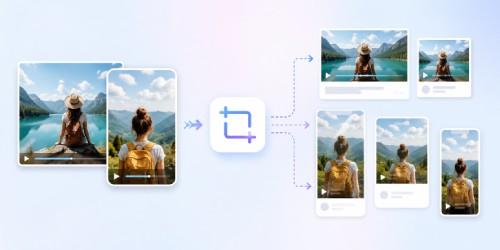
Yes. When selecting a new aspect ratio, you can choose between Fit and Fill. Fit keeps the entire video visible and may add empty space around the frame, while Fill crops the video to completely fill the selected dimensions. This lets you adjust the framing and the final video size in a single editing process.
Yes, because it has high rendering speed with its' latest algorithm that maintains a high-speed video processor. Because of its' straightforward interface has helped users worldwide creating videos in minutes.
The best size depends on where you plan to share your video. For TikTok, Instagram Reels, and YouTube Shorts, the recommended aspect ratio is 9:16 (1080 × 1920). If you are creating a portrait post for Instagram, 4:5 (1080 × 1350) is often a better choice. Selecting the correct preset helps your video display properly across different platforms.