 Aqua App














Free Online Audio Splitter


How to Split Audio into Equal Parts
-
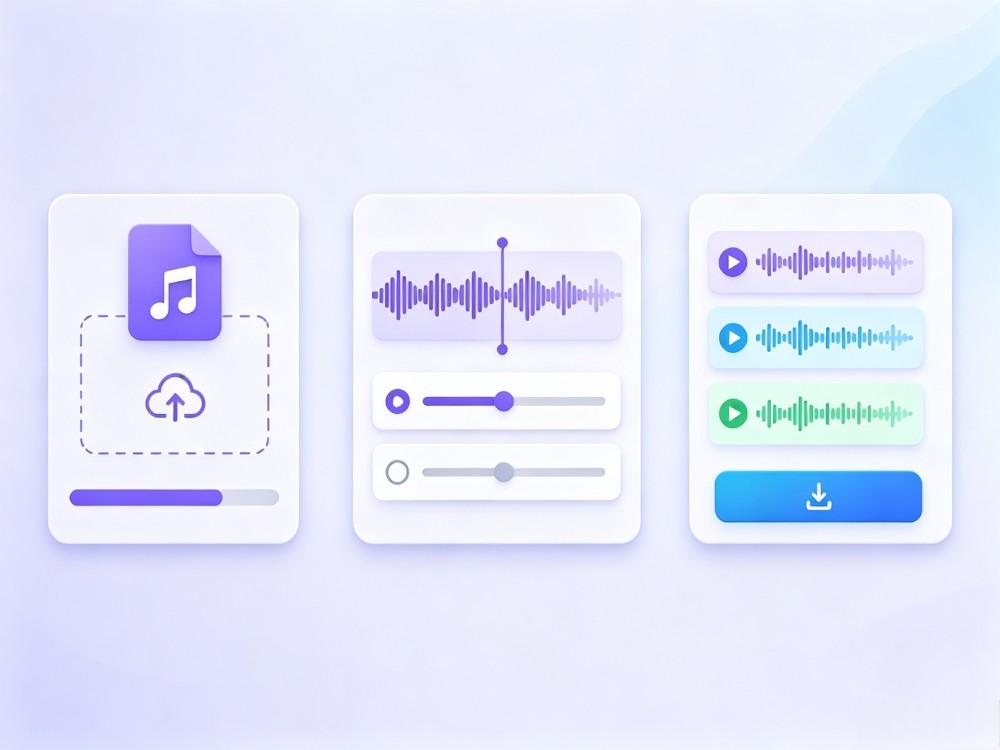
01Upload Your File
Upload an audio or video file, and the tool will automatically extract the audio and prepare it for splitting.
-
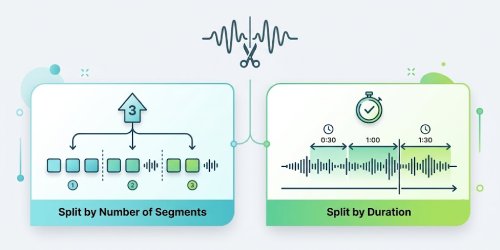
02Choose Split Method
Split the audio by entering the number of segments or setting a specific duration for each part.
-
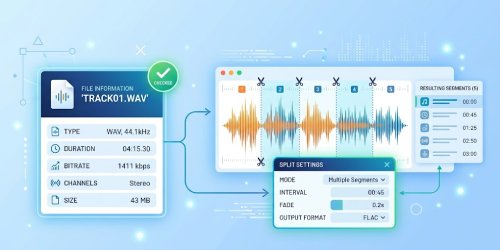
03Split and Download
Start the splitting process, then download the ZIP file, extract it, and access each audio segment separately.


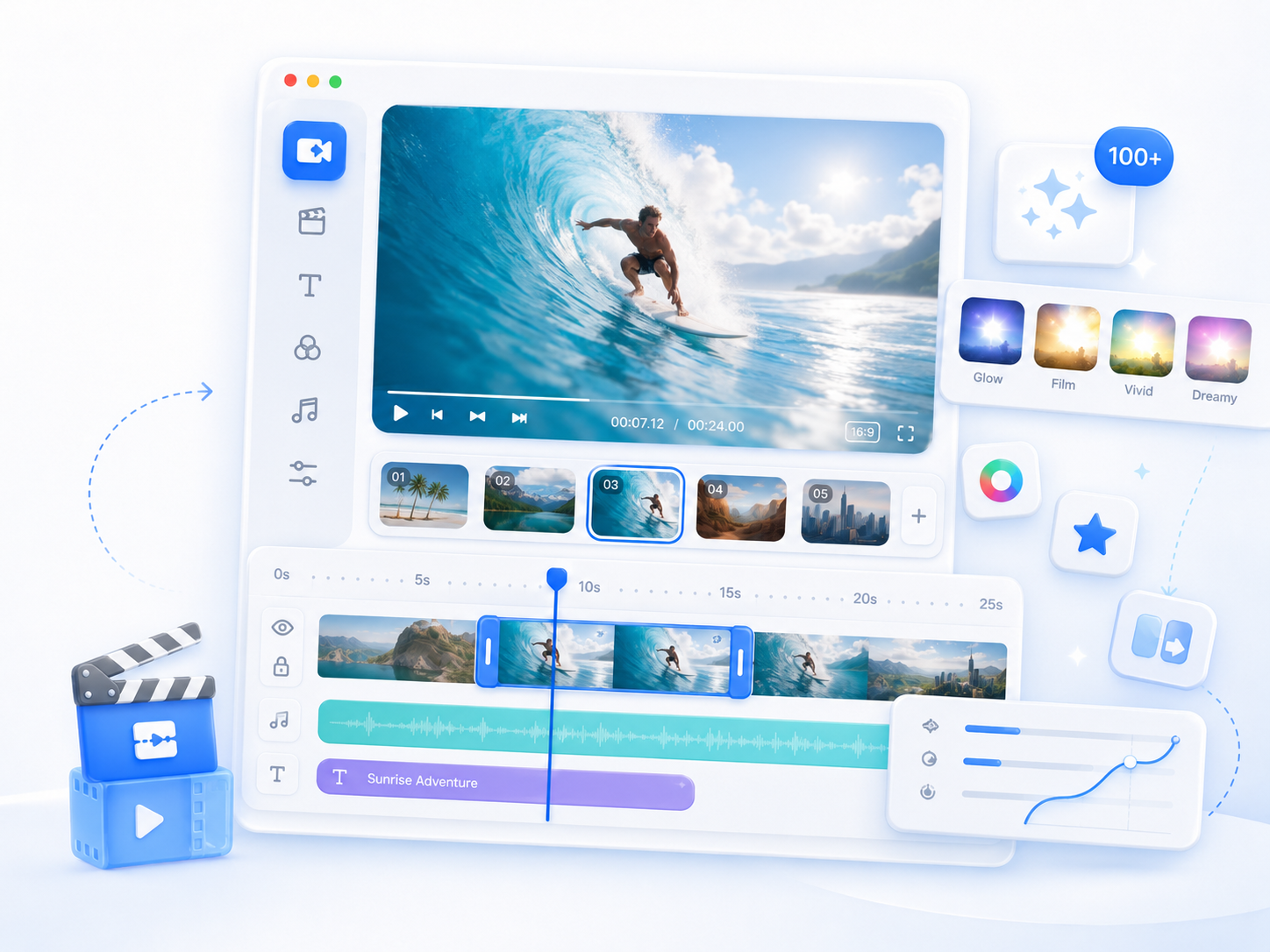
Go Pro with AceThinker Wind Cut
- Powerful editing features
- Advanced video editing
- Advanced audio tools
- Background music library
- Media asset library
- Project auto save

Frequently Asked Questions
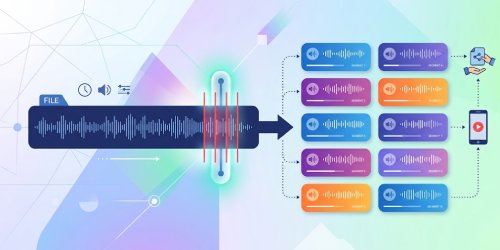
Upload your audio or video file, then choose whether to split it by the number of segments or by a specific duration. The tool automatically creates separate audio files based on your selected method. When the process is complete, all segments are packaged into a ZIP file for download.
If the audio length cannot be divided evenly, the final segment may be shorter than the others. This is expected when splitting by duration because the remaining audio becomes the last file. The earlier segments keep the selected duration, while the last one contains the remaining audio.
Yes. The tool supports files up to 300 MB, making it suitable for long recordings such as lectures, meetings, interviews, podcasts, and presentations. Splitting large files into smaller segments can make them easier to organize, share, or listen to in separate parts.
Splitting an audio file only separates it into smaller files and does not automatically reduce its sound quality. The exported segments are designed to preserve the original audio as much as possible. You can listen to each segment after downloading to confirm the results.
The last segment is shorter when the total audio length is not evenly divisible by the selected duration or number of segments. Instead of adding silence or changing the timing, the tool saves the remaining audio as the final segment. This ensures that no part of the original recording is lost.