 Aqua App














Chat with PDF for Instant Answers
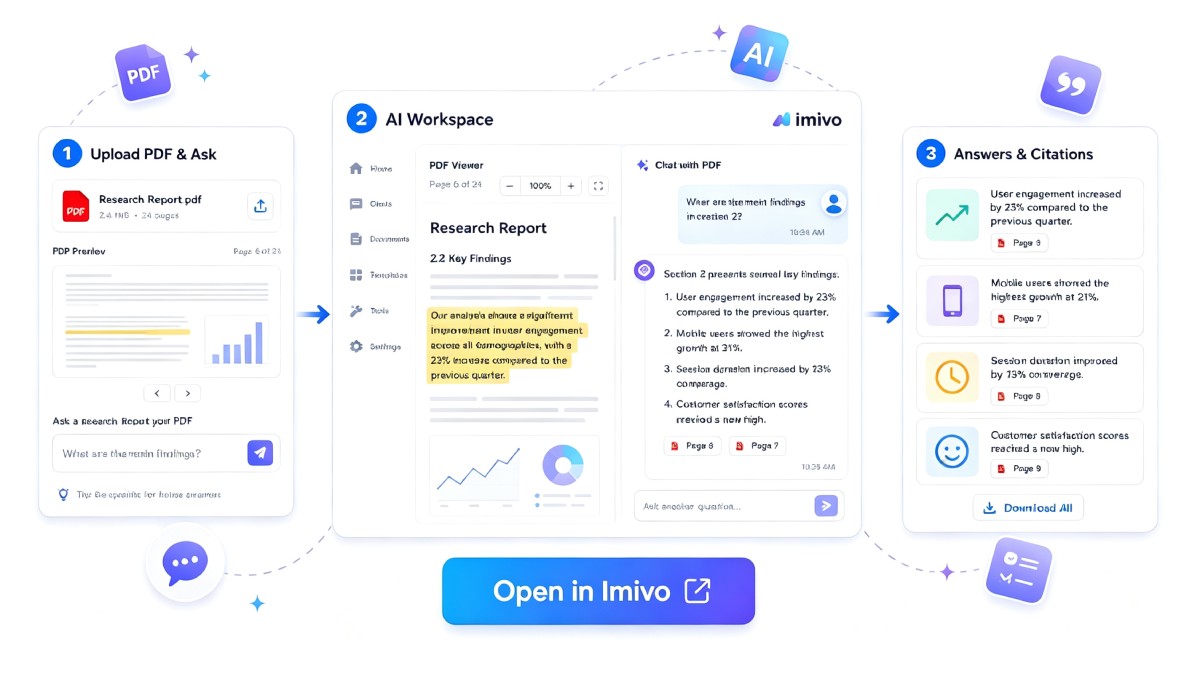


How to Chat with a PDF Online
-
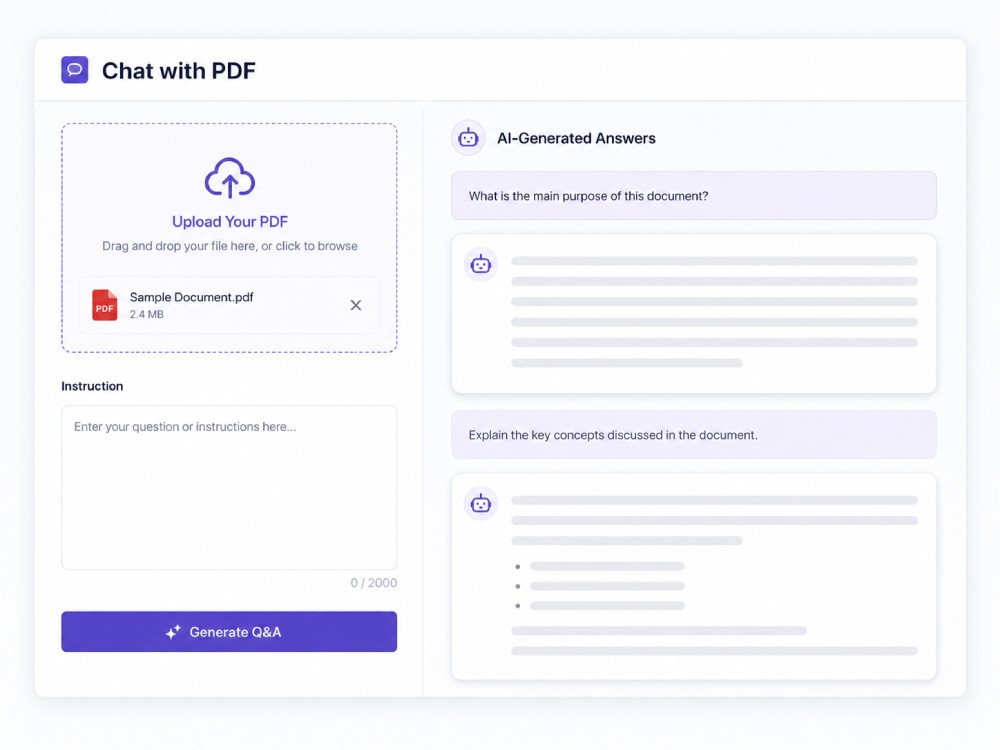
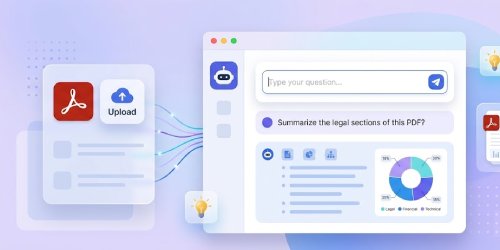
01Upload Your PDF
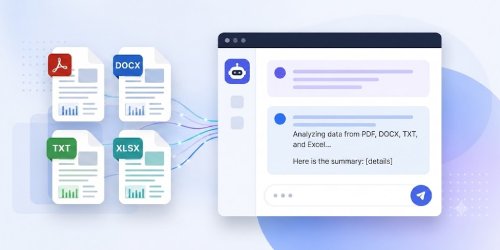
Upload the document you want to analyze, such as a PDF, article, essay, or research paper, in PDF, DOCX, TXT, or XLSX format.
-
02Chat with PDF
Enter your question or instructions in the Instruction box to ask about specific topics, explain concepts, compare sections, or request summaries from your document.
-
03Generate AI Results
Finally, click Generate Q&A, then review the AI-generated answers or insights, and copy, export, or continue asking questions about your document.



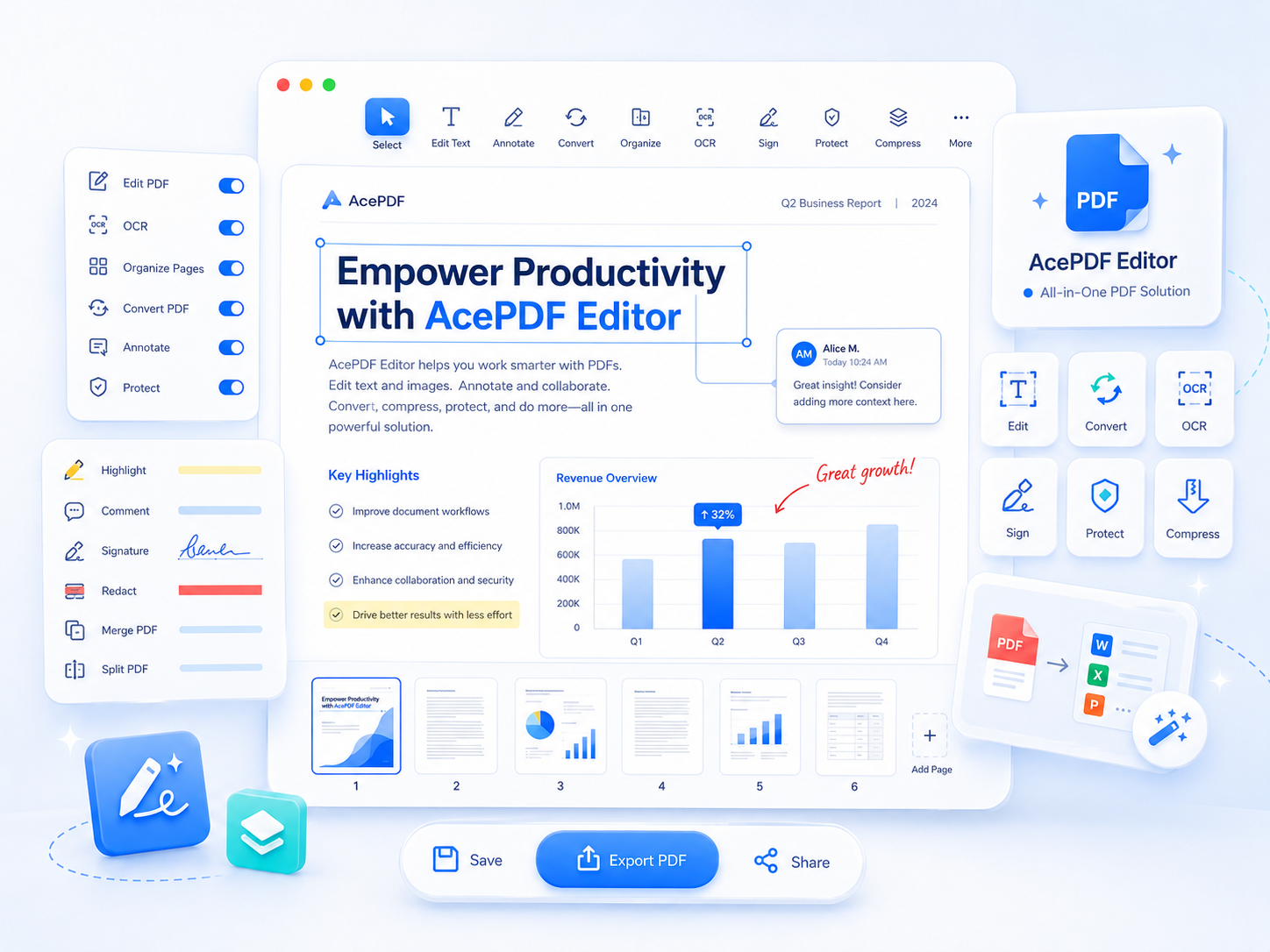
Go Pro with AcePDF Editor
- Edit PDF text
- Run OCR on Scans
- Convert PDF Files
- Organize PDF Pages
- Protect Sensitive PDFs
- Batch PDF Processing

Frequently Asked Questions
Upload your document in PDF, DOCX, TXT, or XLSX format, then either select a built-in AI task or enter your own question in the Instructions prompt box. For example, you can ask the AI chat with PDF to explain a concept, compare sections, identify risks, or summarize a chapter. After processing, the AI generates contextual responses based on your document, which you can copy or export as a Markdown (.md) file for future reference.
The tool works best with text-based PDFs, including reports, research papers, manuals, contracts, business documents, articles, and study materials. PDFs with selectable text typically produce more accurate responses because the AI can analyze the document directly. If your file contains scanned pages or image-only text, the quality of the results may depend on the clarity of the images or scanned pages.
Yes. You can ask questions about both short and lengthy PDF documents without reading every page manually. For large documents, asking focused questions about a chapter, topic, or section usually produces more precise answers. You can also start with tasks like Summarize or Key Takeaways to understand the document first, then continue asking follow-up questions for more detailed information.
Yes. Besides answering questions, the tool includes built-in AI tasks such as Summarize, Key Takeaways, Action Items, Executive Brief, and Extract Data. Select the task that matches your goal, and the AI will generate the requested output based on your uploaded document. You can copy the generated content or export it as a Markdown (.md) file for documentation, editing, or sharing.
Yes. The tool is designed for reviewing reports, research papers, business documents, manuals, proposals, articles, and study materials. Instead of searching through long documents manually, you can ask questions, request explanations, identify important findings, or generate summaries. This makes it useful for studying, preparing presentations, reviewing business documents, or quickly understanding complex written content.