menu

Download Videos from Various Sites Online

What You Can Do with Media Downloader Tools
See how these tools can help you save, convert, and access audio and video content more conveniently.
download video
Keep Videos You're Allowed to Save
Download videos you own or have permission to save for offline access and future viewing. This helps keep important content available when internet access is limited or when you need to revisit it later.
Video Downloader
URL to MP4

save audio
Save Audio You Have Permission to Use
Save audio from content you own or are authorized to use. Listen to music, interviews, lectures, or other audio without playing the full video.
Audio Downloader
URL to MP3

convert link to media
Turn Links into Downloadable Media
Turn supported media links into downloadable audio or video files stored on your device. Access content offline more easily and use it across different platforms.
URL to MP4
URL to MP3

Organize Media
Organize Public or Owned Media
Organize and save publicly available or your own media for personal access and reference. This helps keep important audio and video content available when you need it.
Video Downloader
Audio Downloader

Built for Trusted Media Downloads

No Sign Up Needed
Use the downloader tools immediately, without creating an account or completing registration.

Download Via URLs or Keywords
Find and access supported media by entering a URL or searching with relevant keywords.

Simple Media Conversion Process
Convert supported media to downloadable formats with a clear, easy step-by-step process.

Secured and Malware Free
Use downloader tools designed to process media without requiring unsafe software installations.

Frequently Asked Questions

Can I download audio and video files to my phone?

Yes, you can save supported audio and video files to your phone if the source and format are compatible. This keeps content available for offline use on mobile devices. Make sure your phone has enough storage before downloading.

Why would I choose MP3 instead of downloading the full video?

You may choose MP3 if you only need the audio, not the video. MP3 files are typically smaller than video files, saving storage space on your device. This format is useful for music, podcasts, interviews, lectures, and other audio-focused content.

What file formats are available when downloading media?

Available formats include MP4 and WebM for video downloads, and MP3, WAV, FLAC, OGG, AAC, and M4A for audio. Different formats offer advantages depending on your device, software, or audio quality preferences. Choosing the right format ensures compatibility with your media player.

What types of audio content can I save as MP3 files?

You can save many types of audio content as MP3 files, including music, podcasts, interviews, lectures, and recorded discussions from supported sources. This format is one of the most widely used audio formats and is supported by most devices and media players. This makes it a convenient option for offline listening.

What should I do if my media link is not working?

First, check that the link is complete, valid, and copied correctly without missing characters. If the issue continues, confirm the source is supported and the content is publicly accessible. You can also try refreshing the page, generating a new link, or using a different supported media URL.

Ready to Save Your Media?
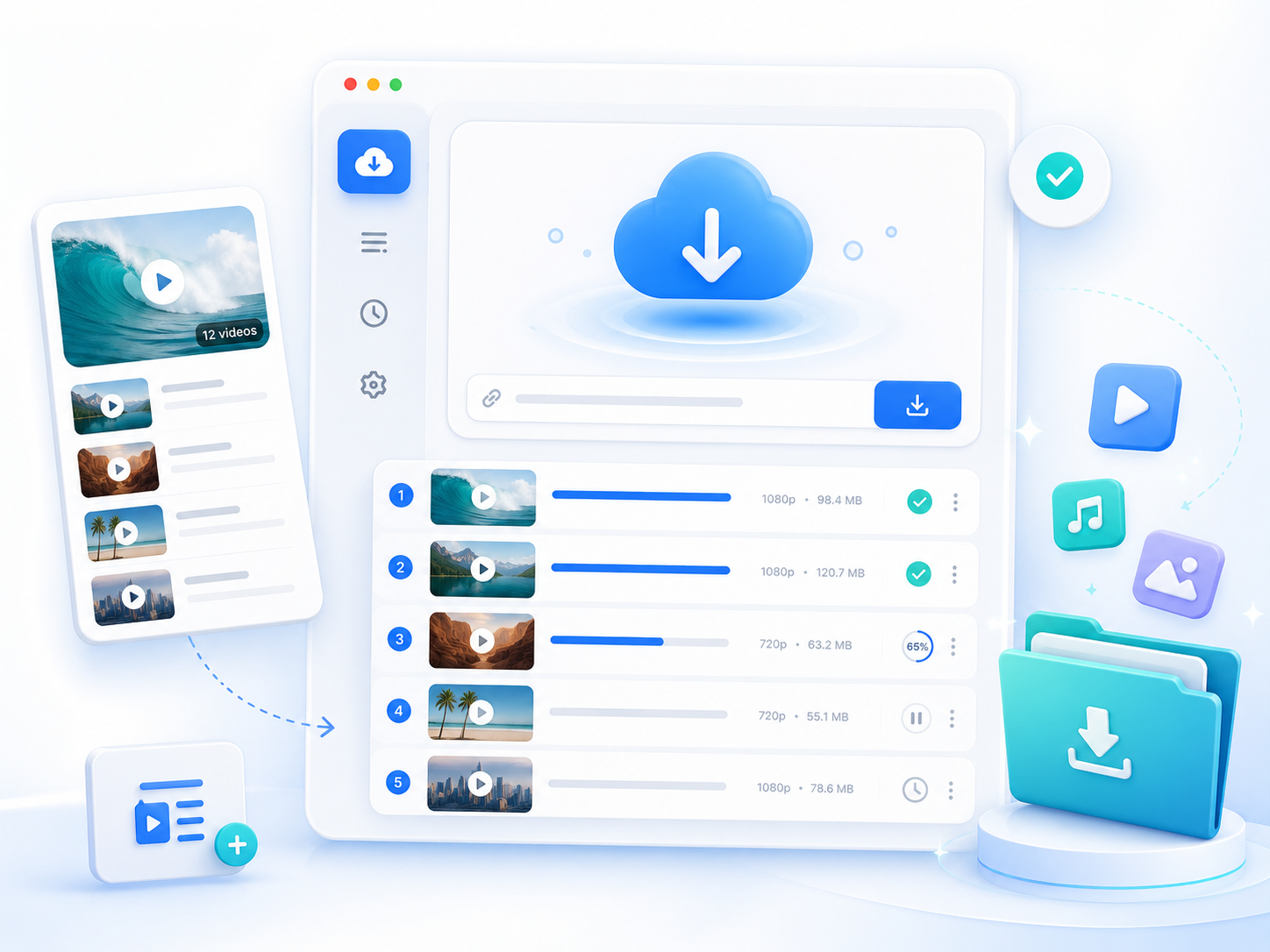
Explore the tools and choose the best option for downloading audio and video content.

pro video downloader

Back to Top
Contact Us