 Aqua App














AI Image Editor


How to Edit Photos with AI
-
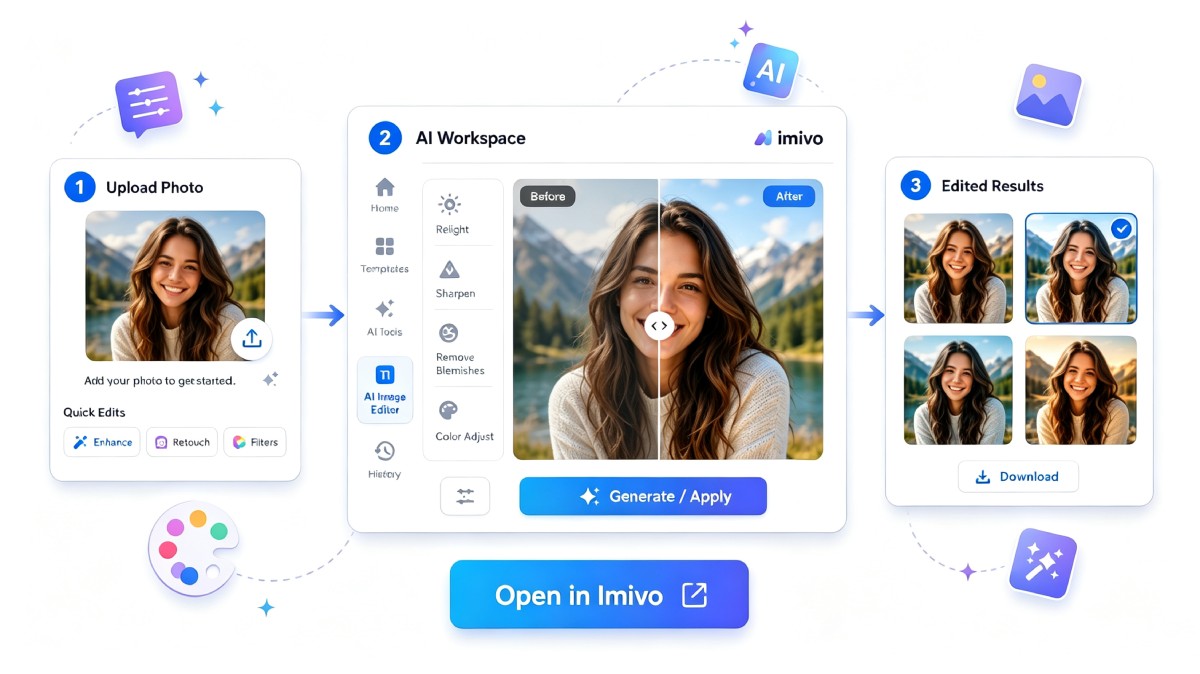
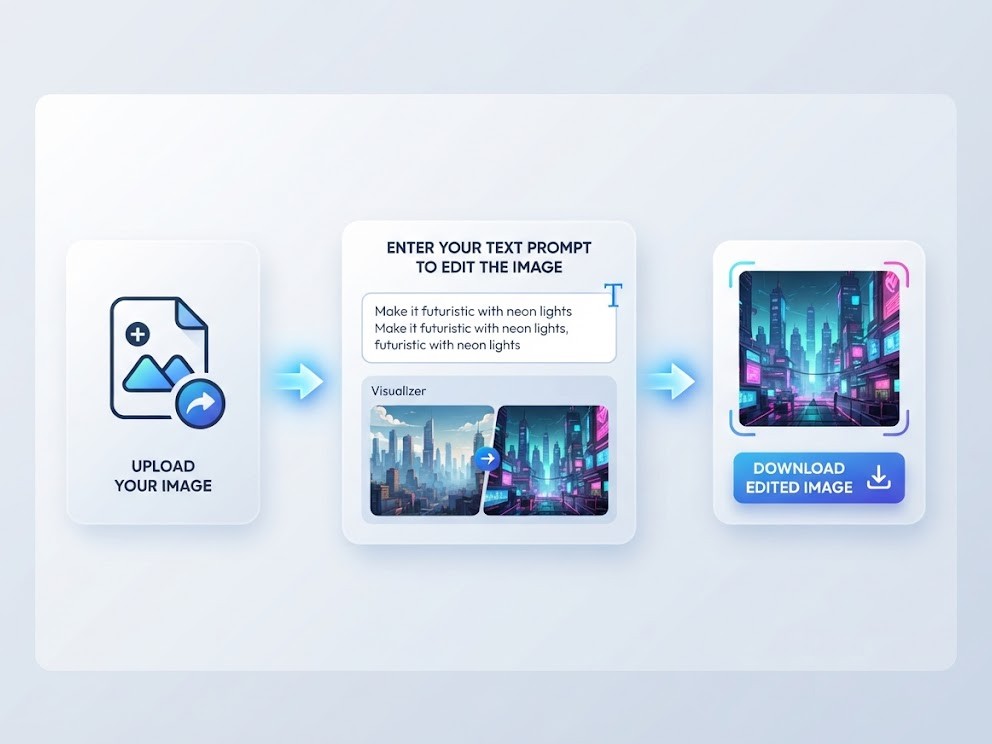
01Enter a Prompt
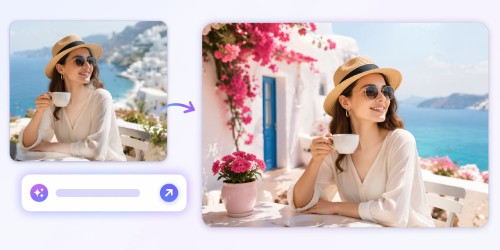
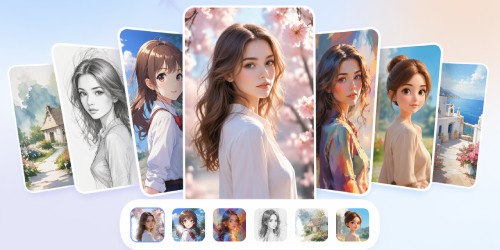
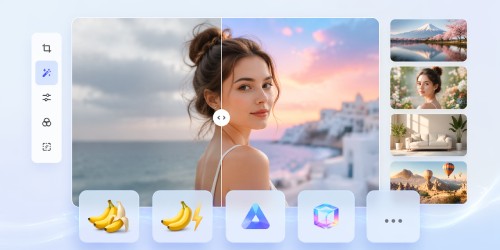
Describe how you want your image to look, or select a ready-made AI template to quickly apply a specific editing style or effect.
-
02Upload and Generate
Upload the image you want to edit in a JPG or PNG format, then generate the new image and let the AI use your prompt or selected template to apply it.
-
03Download the Image
Once the image is generated, preview the result, download it as a JPG to your device, and share it on social media platforms.


Unlock More with Imivo AI Platform
- AI background remover
- AI photo enhancer
- Batch image editing
- Remove unwanted objects
- AI image upscaling
- Watermark-free exports

Frequently Asked Questions
The AI Image Editor works with a wide range of images, including portraits, landscapes, product photos, illustrations, and everyday pictures. For the best results, use clear, high-quality images with good lighting and resolution. Although the tool can process many image types, cleaner source images generally produce more accurate and visually appealing edits.
Yes. You can use a simple prompt or a detailed description to tell the AI how you want your image edited. A short prompt works well for basic changes, while a detailed prompt gives the AI additional context for more specific edits. You can also combine prompts with available templates to achieve different visual styles.
AI-generated results can vary because the output depends on several factors, including your prompt, the original image, the selected template, and the AI model being used. Small changes in wording or image content may produce different results. If the first output isn't exactly what you expected, adjust your prompt or try another template or AI model.
Yes. It's a good idea to review every AI-edited image before sharing or publishing it. Check that important details, colors, text, faces, or products appear accurate and match your intended purpose. The tool requires you to preview the edited image before downloading it, giving you a chance to check the result and make changes if needed before saving the final version.s.
Yes. The AI Image Editor can be used to create visuals for social media posts, advertisements, product promotions, presentations, and other marketing materials. You can customize images with prompts or templates and choose different aspect ratios to fit various platforms. Always review the final output carefully to make sure it aligns with your brand and campaign goals.