 Aqua App














Free Online Video Cutter


How to Trim Video Online
-
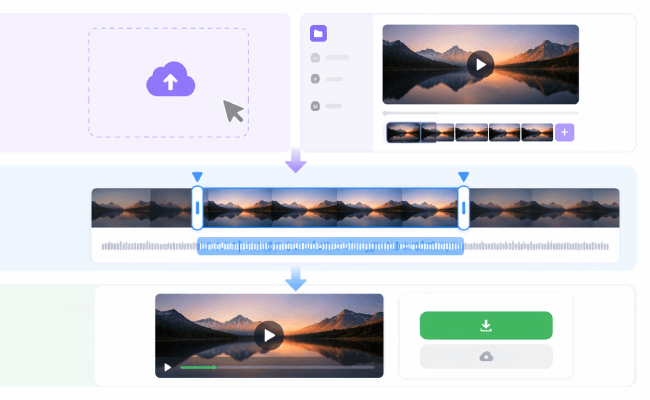
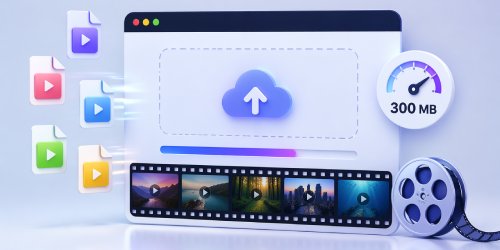
01Upload Your Video
Select and upload the video file you want to trim from your device, then wait for it to load into the editor.
-
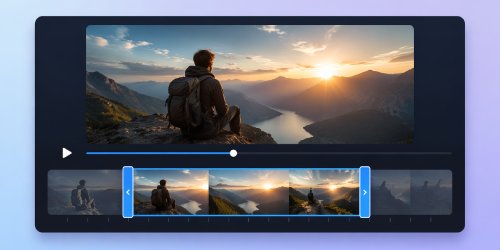
02Adjust Start and End Points
Move the start and end markers to keep the section you want and remove the unwanted parts from your video.
-
03Export the Clip
Start the cutting process, preview the cut video, and download it as an MP4 to your device once satisfied.



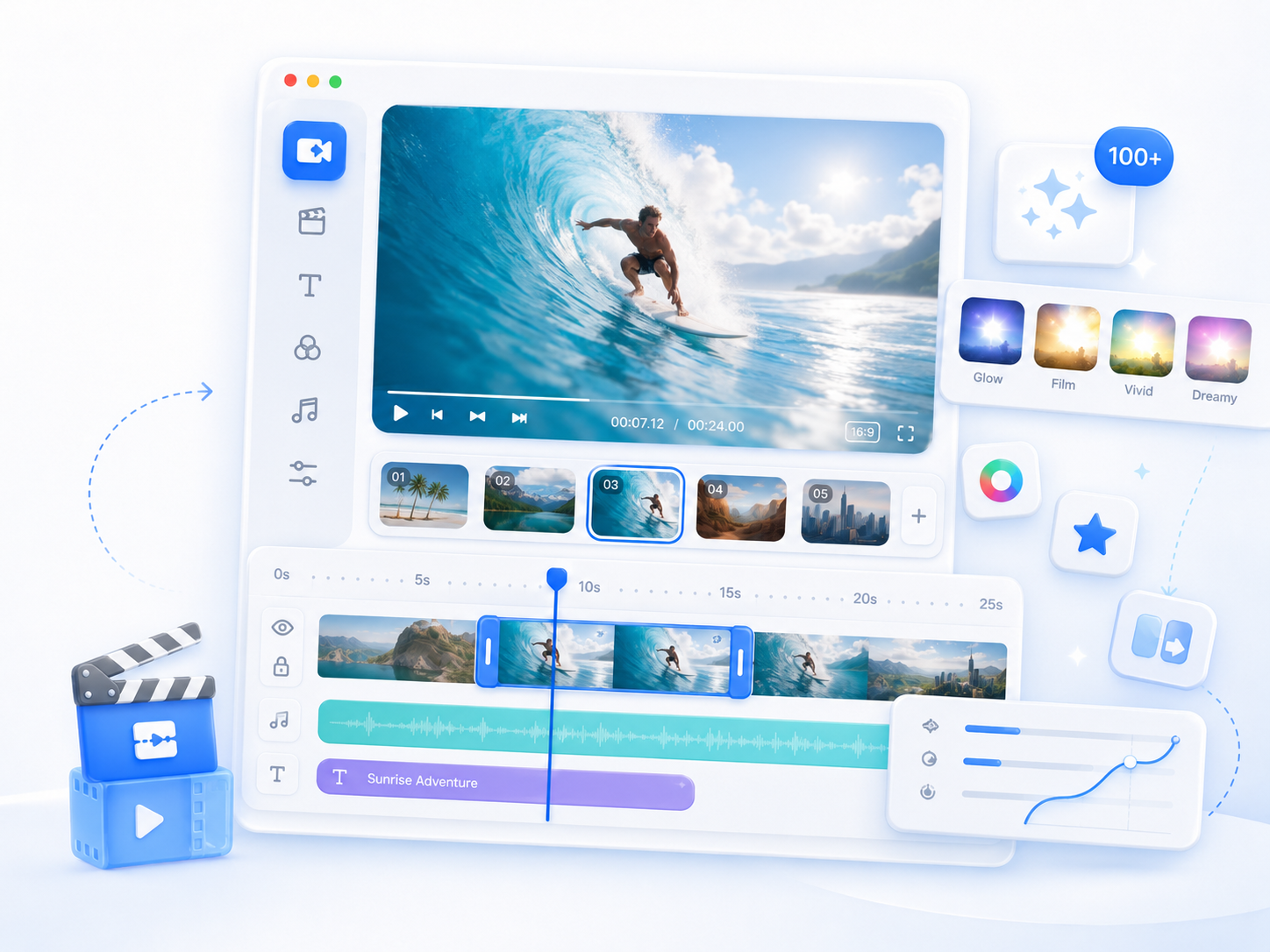
Go Pro with AceThinker Wind Cut
- Advanced video editing
- AI-powered features
- Flexible export options
- Multi-track timeline
- Built-in media library
- Real-Time preview

Frequently Asked Questions
Yes. This online Video Cutter works directly in your web browser, so you do not need to install additional software. You can access it with Google Chrome, Firefox, Microsoft Edge, Safari, Opera, and any browser you have. Simply upload your video, choose the section you want to keep, and export the trimmed clip. Remember, a stable internet connection is needed to ensure smooth processing.
Trimming a video simply removes unwanted sections and keeps the part you choose. The quality of the exported file depends on factors such as the original video, the selected output format, and the tool's export settings. For the best results, start with a high-quality source video and preview the trimmed clip before exporting to confirm it meets your expectations.
Yes. Simply move the starting and ending points to remove unwanted footage from the beginning, the end, or both. This is useful for cutting introductions, closing scenes, long pauses, or unnecessary content before sharing your video. Once you are satisfied with the selected section, export the trimmed clip as a new file while keeping the original video unchanged.
Yes. This tool is useful for creating shorter videos that are easier to share on social media, messaging apps, presentations, or online platforms. You can trim long recordings into more focused clips without editing the entire video. After trimming, export your video in a supported format such as MP4 or WEBM, depending on your preferred output and intended use.
Yes, because it has high rendering speed with its' latest algorithm that maintains a high-speed video processor. Because of its' straightforward interface has helped users worldwide creating videos in minutes.