 Aqua App














Free Online URL to MP3 Converter


How to Convert URL to MP3 Online?
-
01Get the Link
Get the link to the video/audio you want to convert to MP3, paste it into the tool, click the search icon, and wait until the tool finishes analyzing it.
-
02Choose MP3 Format
Once the tool has finished analyzing the link, you can choose the available download buttons. Click the MP3 download button and wait until it reaches 100%.
-
03Download the MP3
After that, click Download Now, and the tool saves it to your device in P3 format; then locate it in your local storage and preview it.


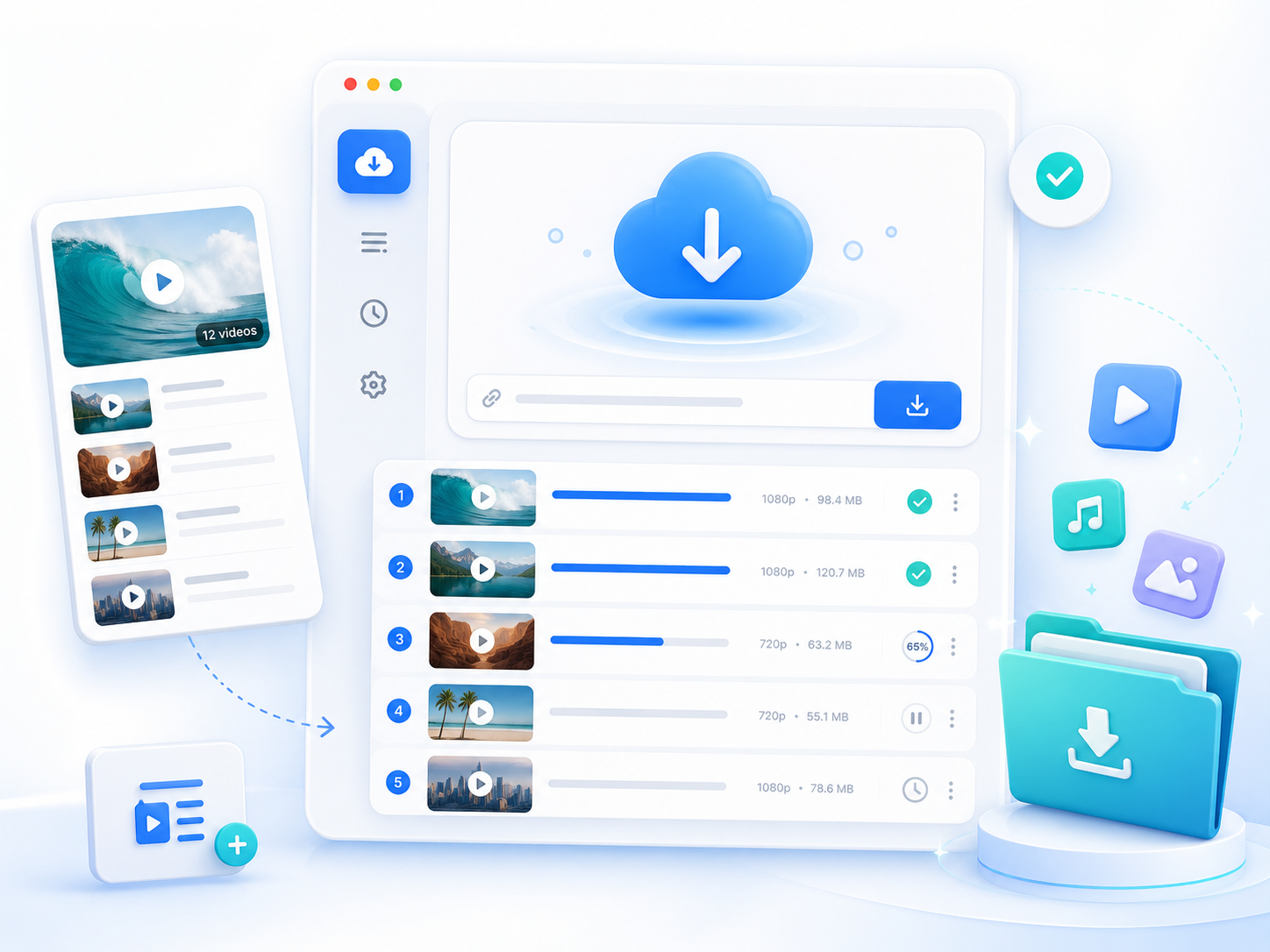
Go Pro with Aqua Tune
- Download playlists
- Multiple audio formats
- High-quality downloads
- Batch downloading
- Faster download speed
- Offline audio library

Frequently Asked Questions
The URL-to-MP3 converter supports many popular video and audio sharing and social media websites. This includes YouTube, TikTok, Instagram, Facebook, Vimeo, X (Twitter), Dailymotion, and other compatible platforms. Simply copy the video/audio URL, paste it into the converter, and start the process. Support may change if a website updates how it delivers its video/audio. If a specific link does not work, try another supported website or use the desktop version for broader compatibility.
A video/audio URL may not load if the website is not supported, the link is incorrect, the video/audio is private, or the content has been removed. Some platforms also change their video/audio delivery methods, which can temporarily affect compatibility. Double-check that you copied the full video/audio URL and that the video/audio is publicly available. If you frequently download from different websites or need broader website support, you can use Aqua Tune, the Pro version of the URL-to-MP3 converter.
A conversion may get stuck because of a slow internet connection, a temporary server issue, an unsupported video/audio, or a browser-related problem. Refresh the page, check your internet connection, and try converting the link again. Also, variety of MP3 download buttons are available in the tool, where you can try another one since different download sources may work better for certain video/audio. If the issue continues, use Aqua Tune for a more stable downloading experience and additional download options.
Yes. The online URL-to-MP3 converter supports video/audio up to 30 minutes long. If your video/audio exceeds this limit, the conversion may not start or complete successfully. For longer video/audio, use Aqua Tune, which supports downloading audio and offers more advanced features. This is a better option for podcasts, lectures, live streams, and other extended content.
Yes. You can convert a podcast video into an MP3 as long as it comes from a supported website and is no longer than 30 minutes. This is useful for listening during commutes, workouts, or when you do not have an internet connection. Just paste the podcast video URL into the converter, create the MP3 file, and download it. For podcasts longer than 30 minutes, use Aqua Tune to handle longer downloads.