Aqua App
















Record Video Directly in Your Browser
Everything You Need to Record Online
What You Can Do with Online Recorder Tools
Designed for Secure Recording
Frequently Asked Questions
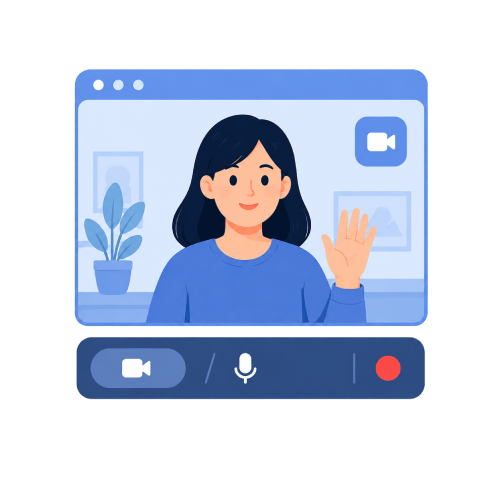
You can use the Webcam Recorder to capture both your video and voice while explaining a topic. Make sure your webcam and microphone are connected and selected before you start recording. Once finished, you can save the recording and share it with others as needed.
Make sure both your microphone and webcam are enabled in your browser settings before starting a recording. Check that the correct devices are selected and that the browser has permission to access them. It is also a good idea to create a short test recording to confirm that both audio and video are working properly.
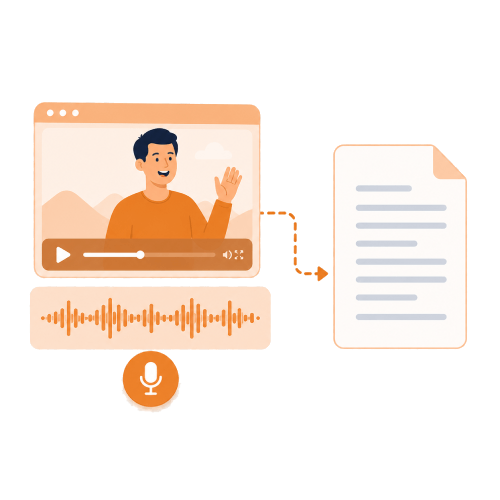
Yes, these tools can be used to create recordings for lessons, training materials, tutorials, and demonstrations. You can capture your screen, voice, or webcam, depending on the type of content you want to create. The recordings can then be reviewed, shared, or used as reference materials.
Yes, you can use a screen recording tool to capture presentations, documents, spreadsheets, or other content displayed on your screen. This is useful for creating tutorials, walkthroughs, and instructional videos. You can also add voice narration during the presentation if needed.
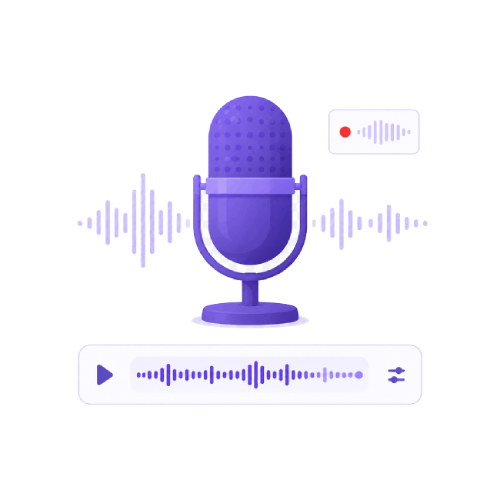
The Voice Recorder is the best tool for capturing voice notes, narration, interviews, and other spoken content. It focuses on recording audio through your microphone without requiring video. After recording, you can download the audio file to listen to, share, or use later.
Ready to Start Recording?