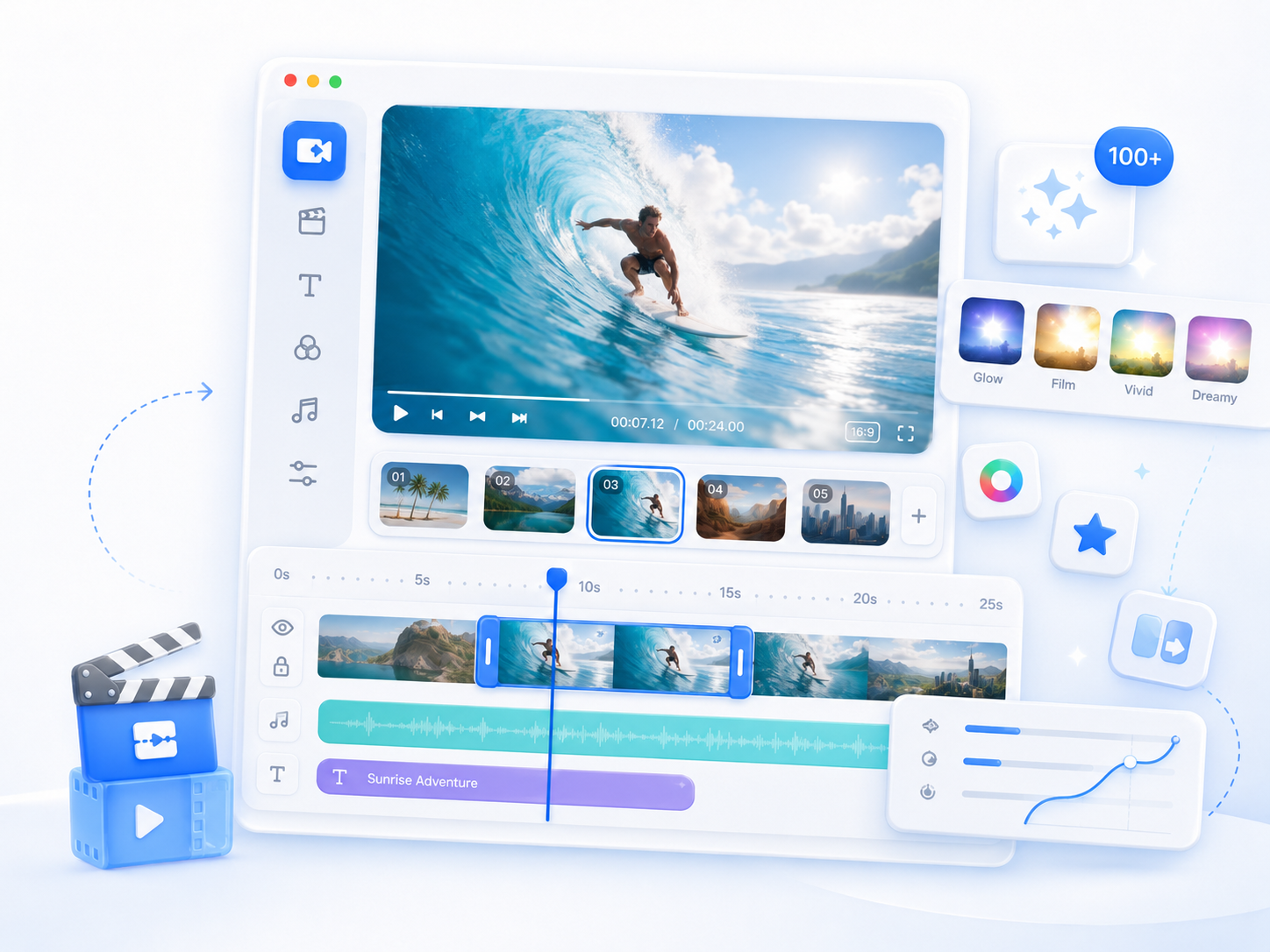
Aqua App
















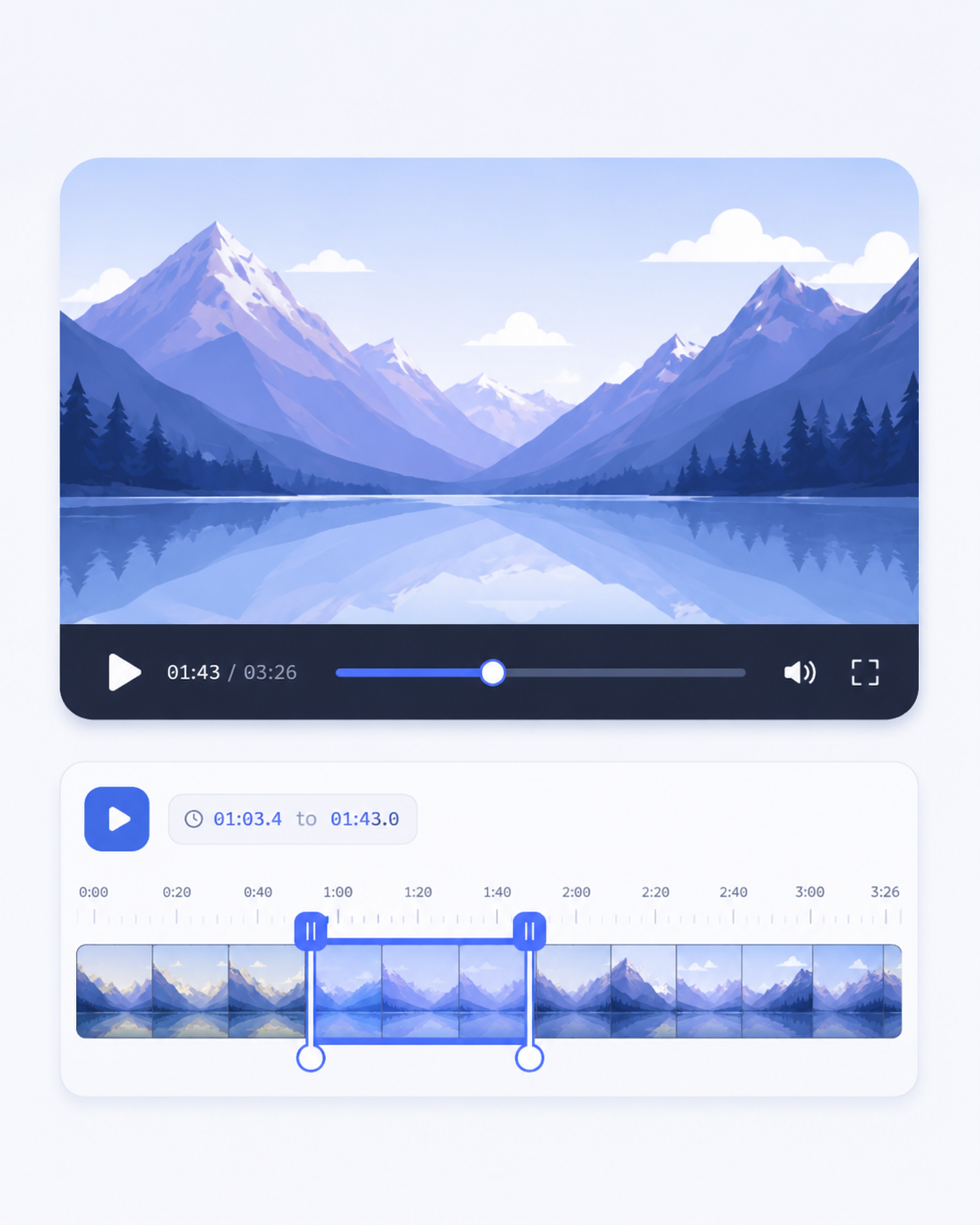
Trim Video to Remove Unwanted Segments
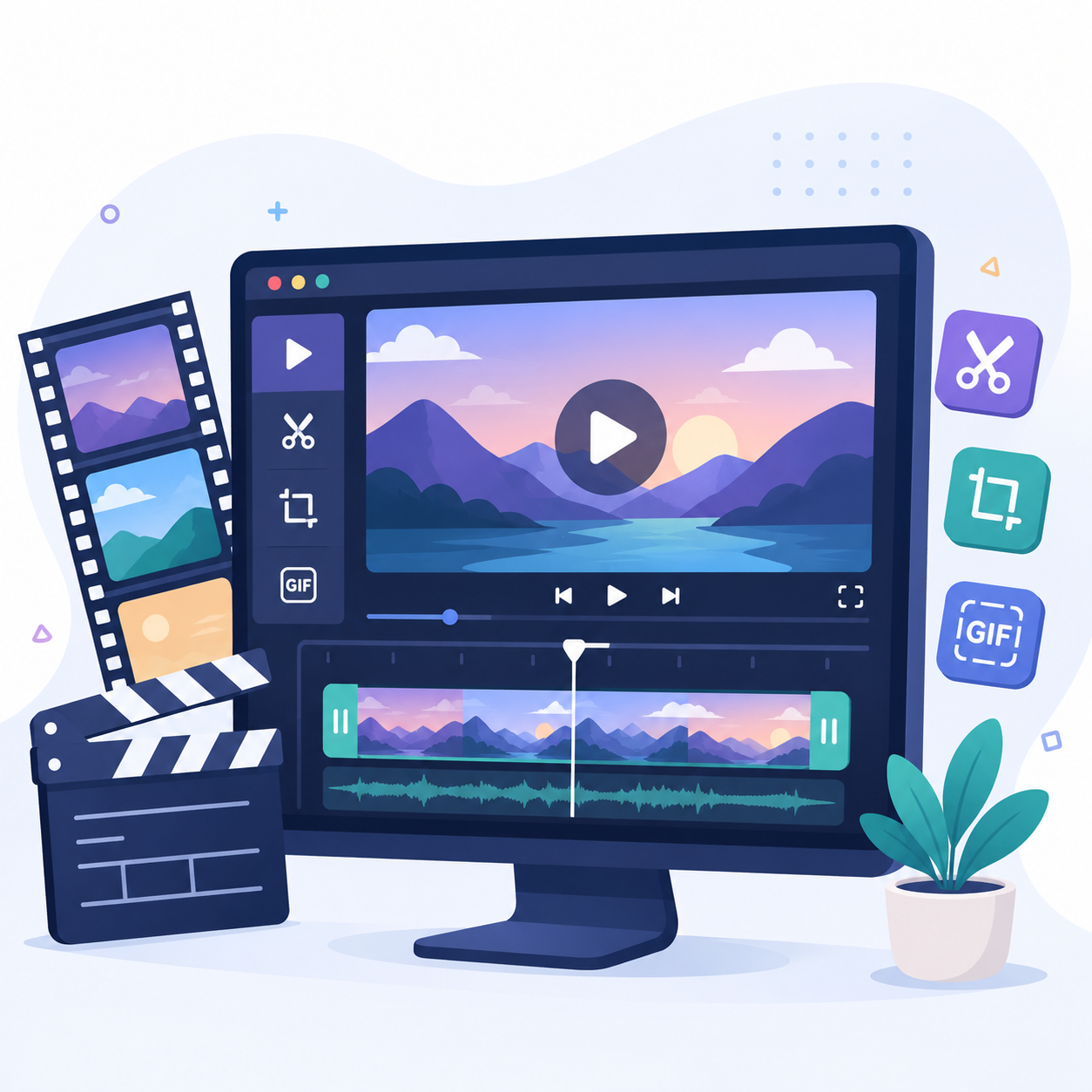
Essential Tools for Video Editing
What You Can Do with Video Editor

Why Choose Our Online Video Editor
Frequently Asked Questions
These video editing tools support common formats such as MP4, MPEG, MPG, OGV, and other widely used file types. You can upload most standard video files without needing to convert them first. This makes it easier to start editing quickly without extra preparation steps.
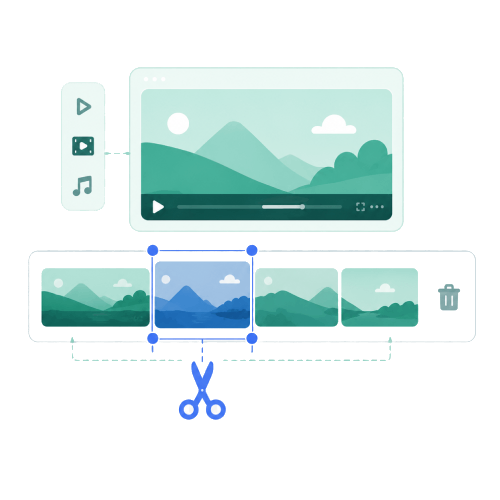
You can use the Video Cutter to trim and cut your video into smaller sections based on the parts you need. After selecting the key moments, you can save them as separate short clips for easier sharing. These highlights can also be converted into a GIF if you want a more compact and shareable format.
Video Resizer lets you adjust your video dimensions to match common social media requirements. You simply select the target format, and the tool reformats the video accordingly. This helps ensure your content fits properly on different platforms without manual adjustments.
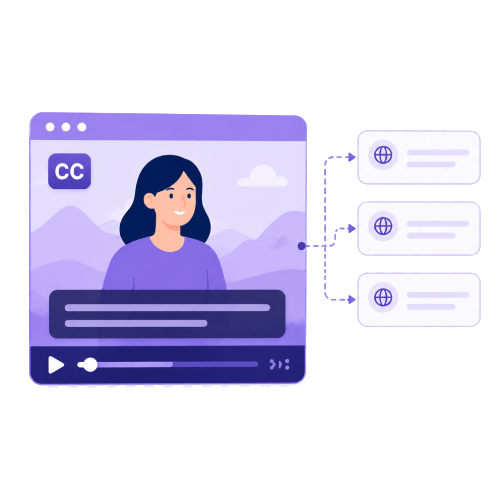
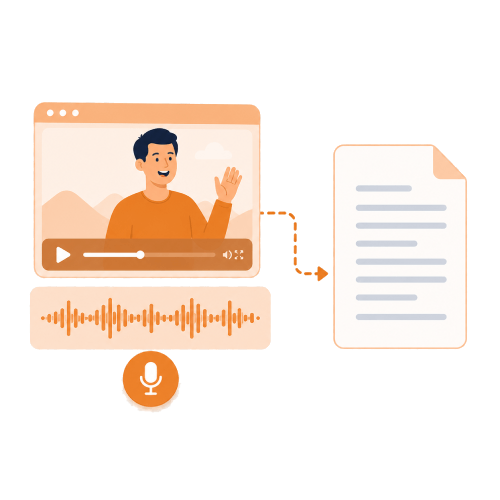
You can use the AI transcription tool to automatically convert spoken audio in your video into written text. The generated transcript can then be used as captions or reference notes. This saves time compared to manually typing everything.
Yes, the masking tool lets you hide unwanted objects or elements in a video. You can cover parts of the frame that you do not want viewers to see. This helps clean up the video without changing the rest of the scene.
Edit Your Videos in One Place