 Aqua App














Free Online Poster Designer
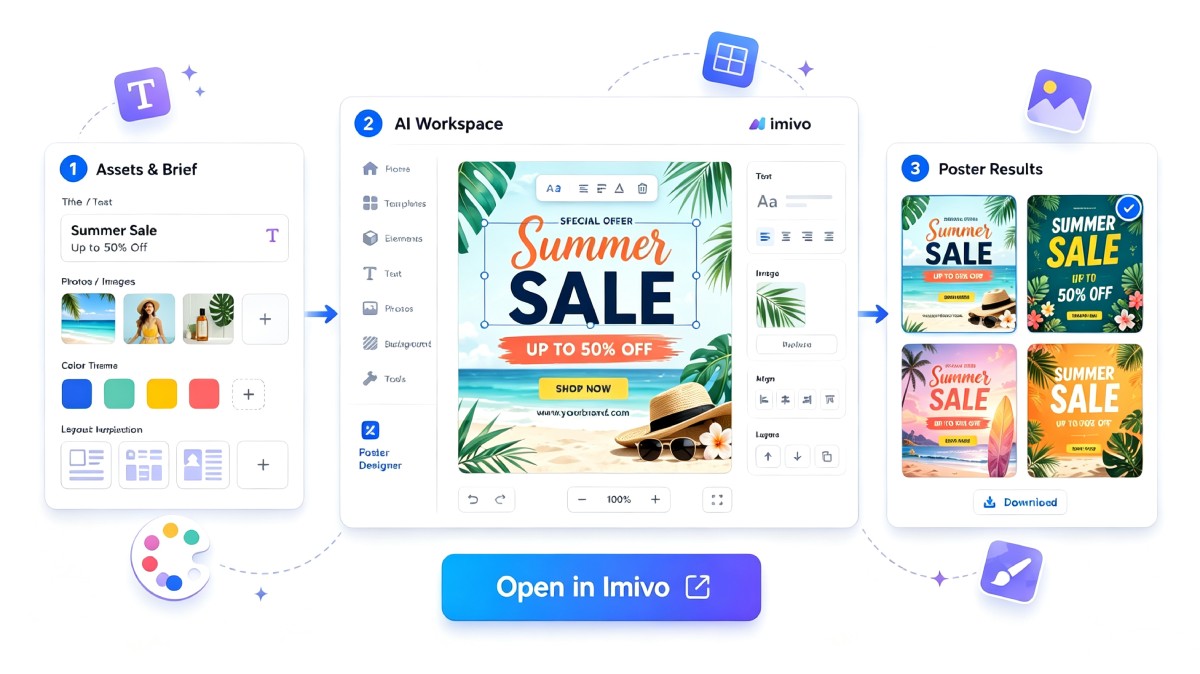


How to Create an Advertisement Poster Design
-
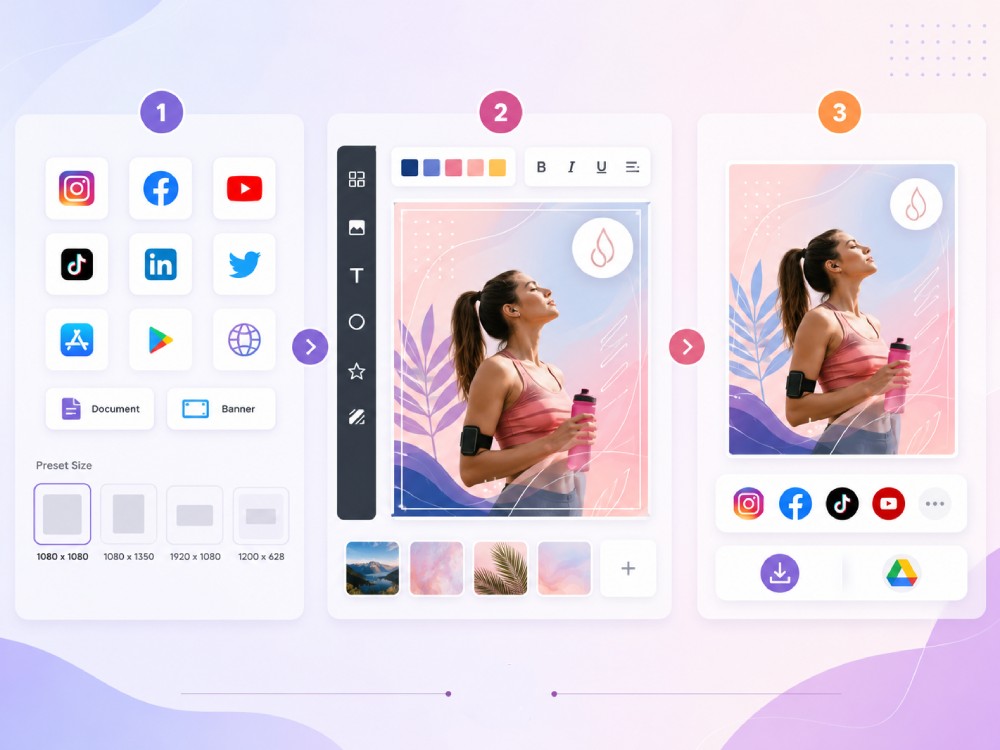
01Select a Platform
Choose where you plan to publish your poster, such as social media, video covers, App Store assets, documents, or website banners, then pick the matching preset size.
-
02Customize Your Poster
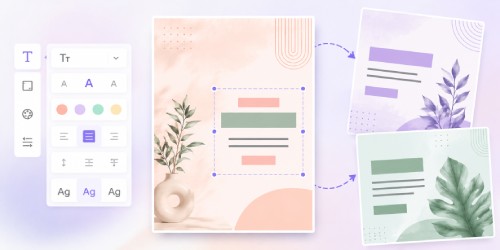
Add your text, change fonts, colors, and styles, then include your own background or use the provided images of the tool, and add your own watermark or signature.
-
03Publish or Download
Once finished, post your finished poster directly to your selected platform or download it for sharing or future use.


Design Smarter with Imivo AI Suite
- AI background removal
- HD image enhancement
- Batch image processing
- Remove unwanted objects
- One-click background changes
- High-resolution exports

Frequently Asked Questions
Yes. Poster Designer is designed for both beginners and experienced users. You can start with ready-made templates, customize text and graphics, and use preset layouts instead of creating a design from scratch. The editing tools are straightforward, making it easier to create posters for school, business, events, or social media without needing professional design skills.
You can create many types of posters, including promotional posters, event announcements, social media graphics, marketing materials, educational posters, and website banners. The available templates and preset sizes help you design content for different platforms and purposes. You can also personalize each design to match your brand, campaign, or personal project.
Yes. You can edit headlines, fonts, colors, spacing, alignment, and other text settings to match your design. You can also add your own background images, select custom backgrounds or colors, and move design elements around to build a layout that suits your content. This gives you flexibility while keeping the editing process simple.
Yes. Poster Designer includes preset sizes for social media, website banners, App Store assets, video covers, and other marketing materials. This helps you create designs that fit different platforms without manually resizing them. It is useful for promoting products, events, services, or personal content across multiple channels.
Yes. You can use AI-generated backgrounds provided by the tool as part of your poster design. You can also upload your own generated images as backgrounds, along with your content and signature. This gives you more creative options while reducing the time needed to build a design from scratch.