 Aqua App














Photo Effects for Creative AI Image Styles
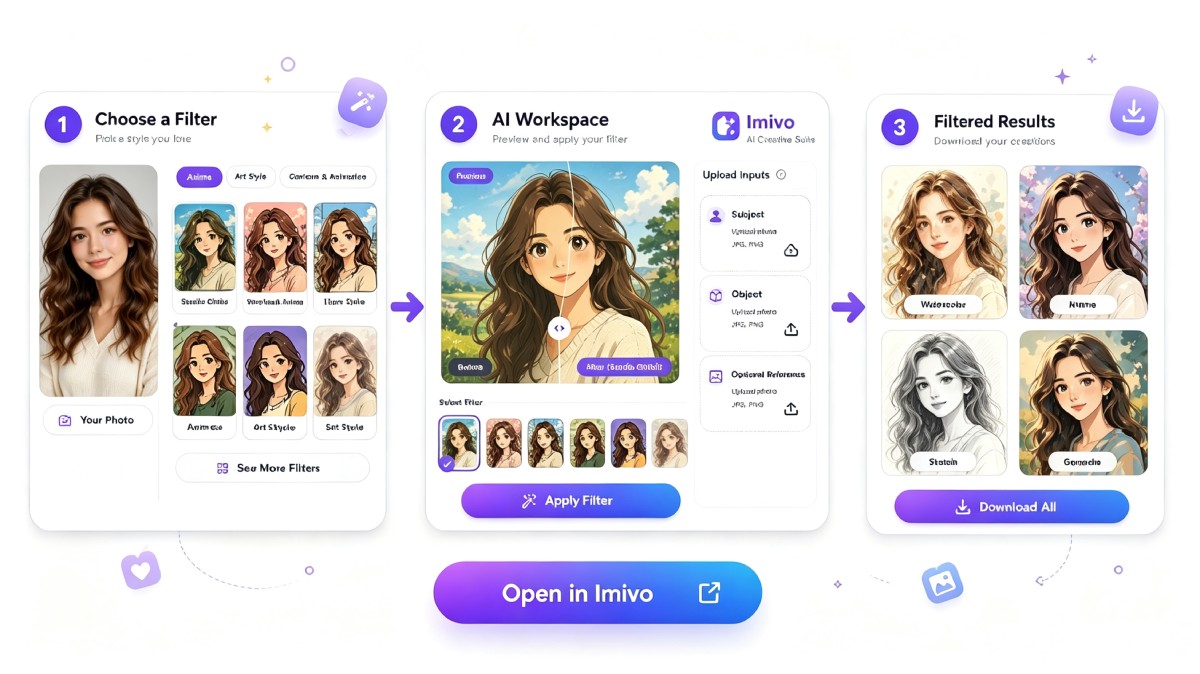


How to Transform Photo with AI
-
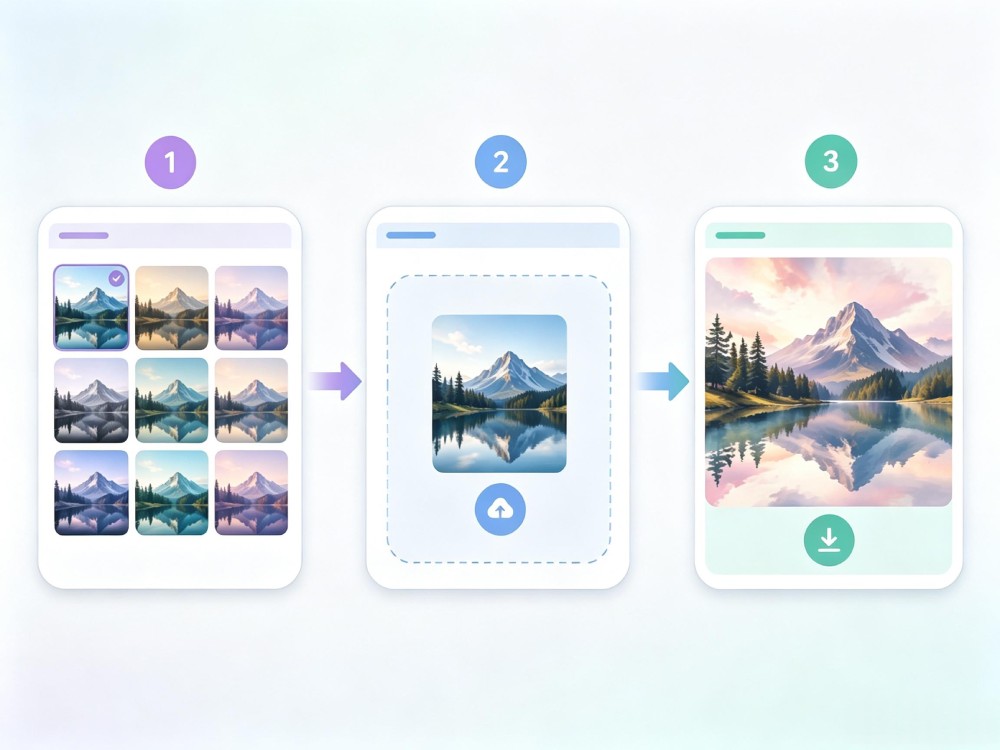
01Choose a Filter
Select the AI photo effect or artistic style you want to use, such as watercolor, cartoon, oil painting, or cinematic effects.
-
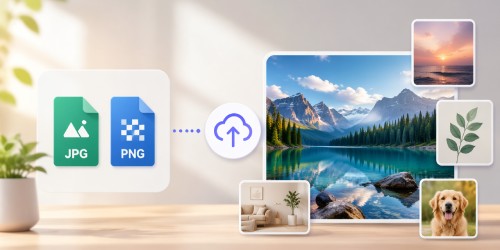
02Upload Your Image
Upload your subject image in JPG or PNG format, then add an object or reference image if needed for more customized results.
-
03Generate and Download
Choose an aspect ratio, generate the photo effect, preview the result, and download the transformed image once you're satisfied.


Go Pro with Imivo AI Creative Suite
- AI Image Generation
- Image-to-Video Creation
- Advanced Photo Editing
- AI Video Generation
- Smart Object Removal
- Creative AI Suite

Frequently Asked Questions
Adding photo effects online is simple. Start by selecting the AI effect or artistic style you want to use, then upload your image in JPG or PNG format. If needed, you can upload up to three reference images to guide the AI toward a specific look. After selecting an aspect ratio, generate the result and preview the new image before downloading it. The tool creates a separate stylized version, so your original file remains unchanged. This workflow makes it easy to transform photos with AI without installing editing software.
Aqua App generates AI photo effects by recreating your uploaded image in a selected artistic style instead of placing a simple filter over it. You can choose from effects such as watercolor, sketch, cartoon, oil painting, cinematic, and other creative styles available in the tool. If you want the AI to follow a particular visual direction, you can upload up to three reference images before generation. This allows you to convert photos into artistic styles while giving the AI additional visual guidance for colors, composition, or artistic appearance.
No. The tool generates a new image with the selected AI photo effects, while your original upload stays exactly as it was. The quality of the generated photo depends on several factors, including the source image's resolution, lighting conditions, subject clarity, and the artistic effect you choose. Higher-resolution JPG or PNG images usually produce sharper details and more consistent results. If the generated image doesn't meet your expectations, you can try another effect or regenerate the image using a different reference.
Yes. Every generated result can be reviewed before you save it. If the selected photo effects don't match your idea, you can choose another style, change the aspect ratio, or add reference images before generating again. This lets you compare different artistic results from the same source image without modifying the original upload. Once you're satisfied, simply download the generated image and continue editing or share it directly.
Yes. This AI photo effects tool is suitable for creating profile pictures, social media posts, digital artwork, blog graphics, and promotional images. Before generating your image, you can select aspect ratios such as 1:1 for profile photos, 4:3 for standard images, 16:9 for banners, or 9:16 for Stories and short-form videos. Choosing the correct ratio before generation helps reduce unnecessary cropping later. You can also transform photos with AI to create unique visuals that stand out on different platforms.