 Aqua App













Free YouTube to OGG Converter


How to Convert YouTube to OGG
-
01Copy the YouTube Link
Open YouTube, find the video you like to convert, then copy its URL from your browser or the Share menu.
-
02Analyze the Video
Paste the link into the OGG converter and start the analysis. The tool detects the available audio streams and supported output formats.
-
03Download the OGG File
Select OGG from the available formats and download the converted audio file to your device for offline use.


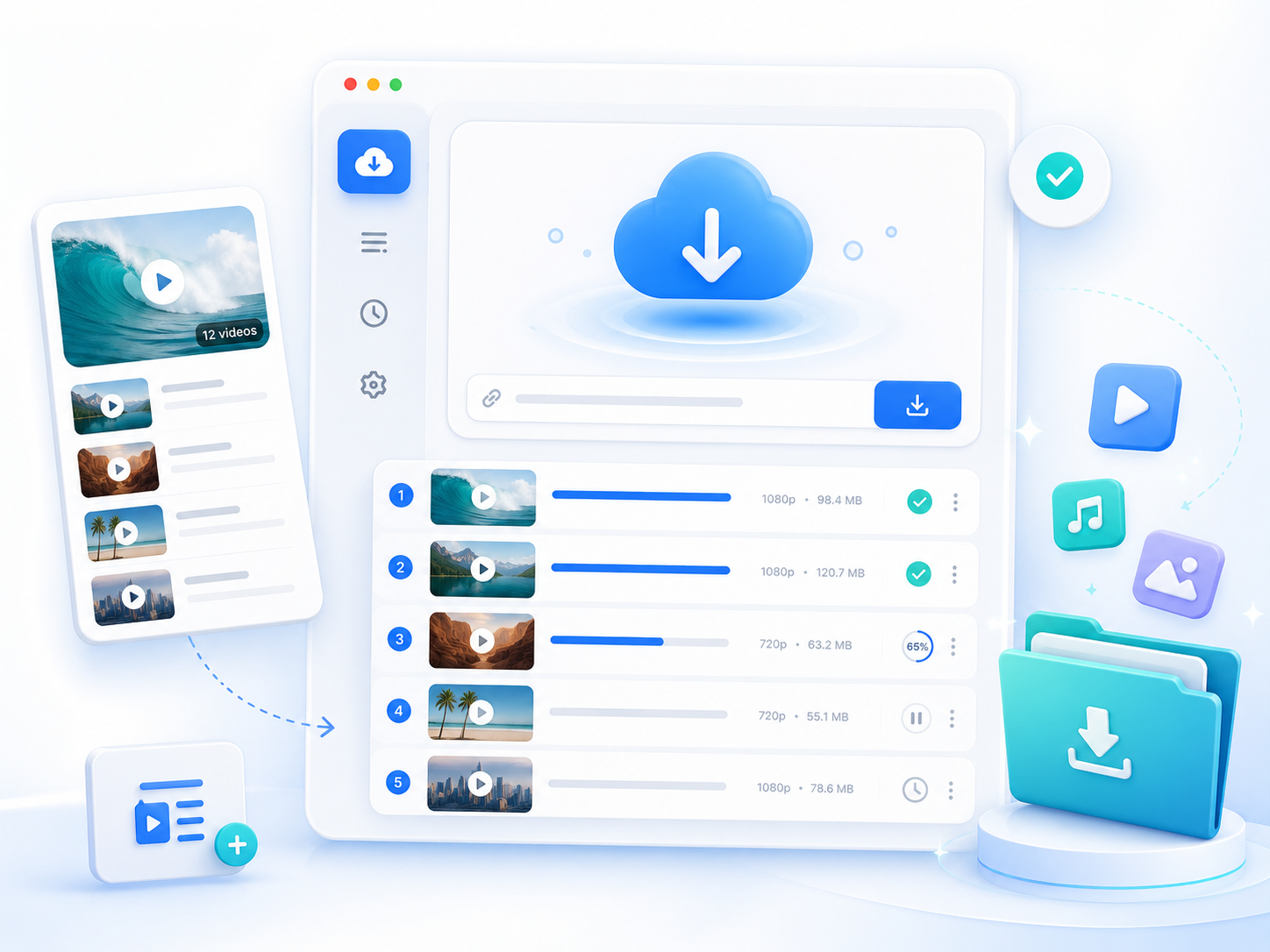
Unlock More with Aqua Tune Desktop
- Unlimited downloads
- 5x Faster processing
- HD media downloads
- Batch downloads
- Playlist support
- Higher audio quaity

Frequently Asked Questions
OGG is a practical choice when you want a compressed audio file that maintains good sound quality while keeping file sizes relatively small. It is widely supported by many modern media players, open-source software, and some audio editing applications. If your primary goal is offline listening on compatible devices or using audio in software that supports OGG, this format works well. However, if you need the broadest compatibility with older media players, car audio systems, or devices that primarily support MP3, downloading MP3 may be the better option. The Free YouTube to OGG Converter lets you select the format that best works for your needs. You can simply paste the YouTube URL into the tool, let it analyze it, and then choose the best output for your needs.
The best audio format depends on how you plan to use the downloaded file. OGG is suitable for users who want efficient compression with good audio quality for playback on compatible software and devices. M4A is often preferred for Apple devices and many modern mobile applications because it provides good quality at smaller file sizes. WEBA preserves the web audio stream when available from the source, while WAV and FLAC are better suited for editing or archiving because they retain more audio information but produce larger files. The Free YouTube to OGG Converter displays the available download formats after analyzing the YouTube link, allowing you to select the option that best matches your intended use.
No. Converting a YouTube video to OGG using the Free YouTube to OGG Converter changes the file format but does not increase the quality of the original audio. The downloaded file is created from the audio stream available in the YouTube video, so its quality depends entirely on the source upload. If the original recording contains background noise, distortion, or heavy compression, those characteristics will remain in the converted OGG file. Likewise, converting the same video into a different format, such as MP3 or M4A, does not add audio detail that was not present in the original source. For users who want the highest available downloadable quality, Aqua Tune supports MP3 downloads up to 320 kbps and high-quality M4A output whenever those formats are available from the source.
Free YouTube to OGG Converter is designed to convert audio from publicly accessible YouTube videos for analysis by the online tool. You can extract audio from music performances, podcasts, interviews, educational lectures, tutorials, speeches, and other video content for offline listening or personal use. Before downloading any content, you should ensure that you own the content, have permission from the copyright holder, or are otherwise authorized to download and use it under applicable laws and platform terms. Videos that are private, deleted, unavailable, or restricted may not be processed successfully because the tool must be able to access the video to analyze and convert its audio stream.
If Free YouTube to OGG Converter cannot analyze a YouTube link, first verify that you copied the complete video URL and that the video opens normally in your browser. The online converter can only process videos that are publicly accessible and supported for analysis. Links to private, deleted, unavailable, or certain restricted videos may not be processed successfully. Temporary network interruptions or browser connectivity issues can also prevent the tool from retrieving the video’s available media information. Refreshing the online page, checking your internet connection, and trying the link again often resolves temporary issues.