 Aqua App














Free Online Video Downloader


How to Download Video Online
-
01Copy and Paste URL
Copy the video link from the supported website, then paste it into the online video downloader's URL field to start processing.
-
02Process URL
Click the search button to analyze the URL and generate the available video and audio download options.
-
03Choose Resolution and Download
Select your preferred download resolution, such as MP4 360p, 480p, 720p, or 1080p when available, then download the file to your device for offline viewing.


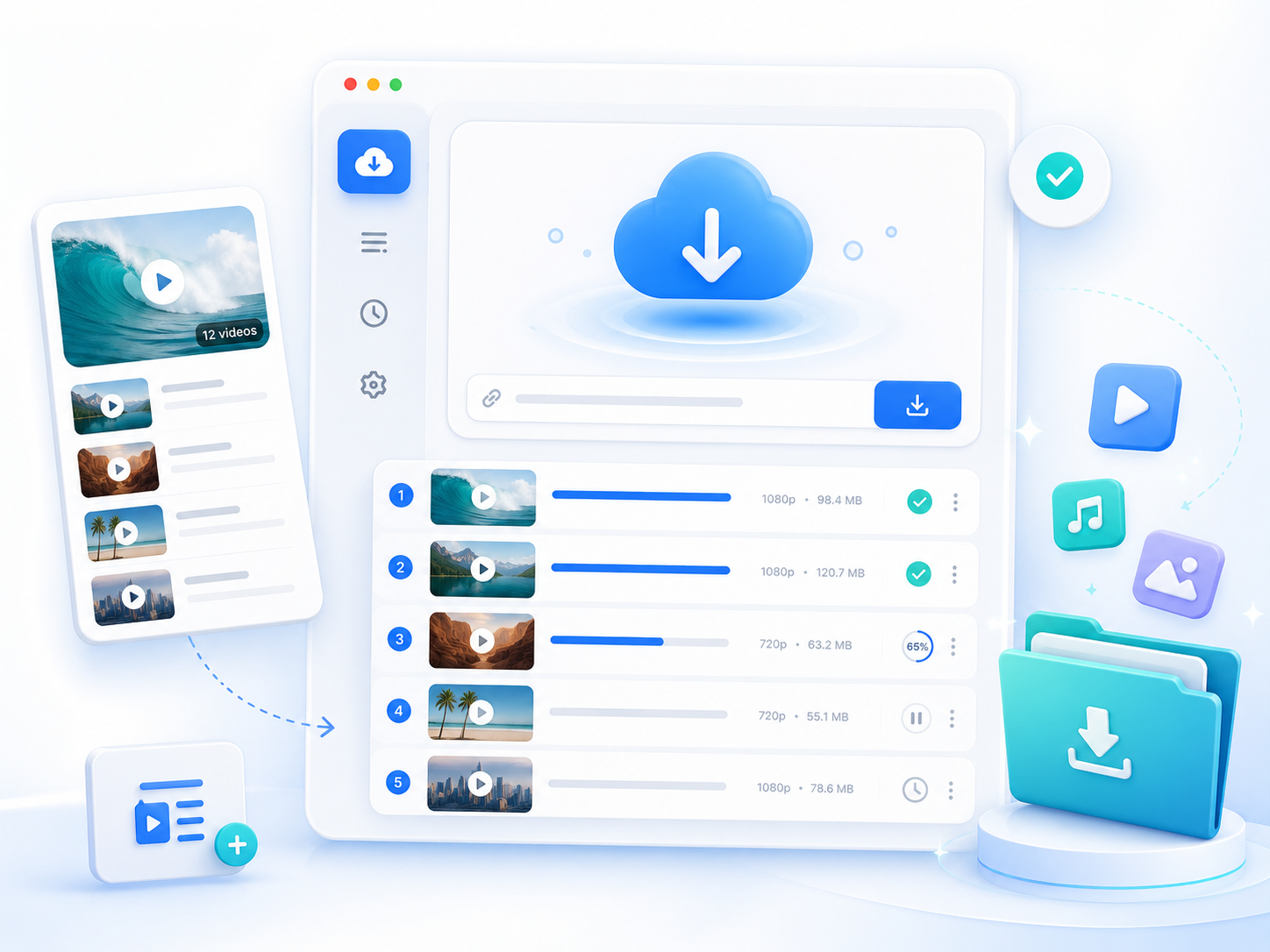
Go Pro with Aqua Clip
- Up to 4K downloads
- Playlist downloads
- Subtitle downloads
- Faster processing
- Batch downloads
- Priority feature updates

Frequently Asked Questions
The Free Online Video Downloader works by analyzing the video URL you provide and identifying the available download resources from the supported platform. Instead of downloading the entire webpage, the tool checks the link information and extracts the available video and audio streams that the downloader can access. After you paste a video URL, the tool processes the link and displays the available download options, including video quality and file format. You can choose from the available resolutions for your video. For example, supported videos can appear with MP4 resolutions such as 360P, 480P, 720P. Processing speed depends on several factors, including video length, the source platform's response time, and your internet connection. Some videos may take longer to analyze, especially high-resolution content.
The available download formats and resolutions depend on the video source and the limitations of the Free Online Video Downloader. As a browser-based downloader, it currently supports video downloads up to 720P. The tool cannot create higher-quality versions that are not supported by the source or exceed the online downloader’s processing limits. For more advanced downloading needs, such as higher-resolution downloads, batch processing, or larger video tasks, you may consider using Aqua Clip for additional capabilities.
This Free Online Video Downloader may fail to analyze a video URL when the link does not contain publicly accessible video information or when the source platform prevents external tools from retrieving the content. Common reasons include private videos, deleted videos, region-restricted content, age-restricted pages, login-required videos, or unsupported websites. A simple URL error can also cause processing issues. Before trying again, make sure you copied the full video link and confirm the video plays normally in your browser without requiring additional permissions. If the video is available publicly but still cannot be processed, it may be due to changes made by the source platform or limitations of the online version. For users who regularly download videos online from multiple platforms, Aqua Clip offers a dedicated application environment with more advanced options.
The best choice depends on how often you download videos and what features you need. The Free Online Video Downloader is suitable for users who want a quick, simple way to download individual videos directly from a browser, without installing additional software. It is convenient for occasional downloads when you only need to save a few videos. However, users with heavier downloading needs may benefit from Aqua Clip. The desktop application is designed for more frequent workflows, such as downloading multiple videos, creating playlists, downloading higher-quality files, or handling larger media collections. It provides a more complete solution for users who regularly save online videos for offline viewing, content organization, or personal media management. If you only download videos occasionally, the online downloader may be enough for your needs, while users with more frequent or larger download tasks may prefer a tool with additional capabilities.
Yes. After downloading a video through the Free Online Video Downloader, you can save the file on your computer and transfer it to compatible devices for offline playback. Videos are typically provided in formats such as MP4, which is widely supported by computers, smartphones, tablets, and media players. Before downloading, check the available resolutions to choose the option that best matches your device's storage and viewing requirements. For example, lower resolutions such as 360P or 480P may be better for saving storage space, while higher resolutions provide better quality for larger screens. Keep in mind that the available quality levels depend on the original video source. For users who need to download many videos, save playlists, or manage larger offline collections, Aqua Clip provides additional tools to make the download process more efficient.