menu

How to Easily Edit Photo Online

  • On the interface of the online image editor, click the "Image Cropping Tool" button to get started.
  • Then, the file explorer will pop up, and you can select the local image file to be uploaded.
  • After that, select what should be cropped, or edit the image according to your needs. Then, click the "Save" button.

Amazing Features of the Free Online Image Editor

Support Image Cropping

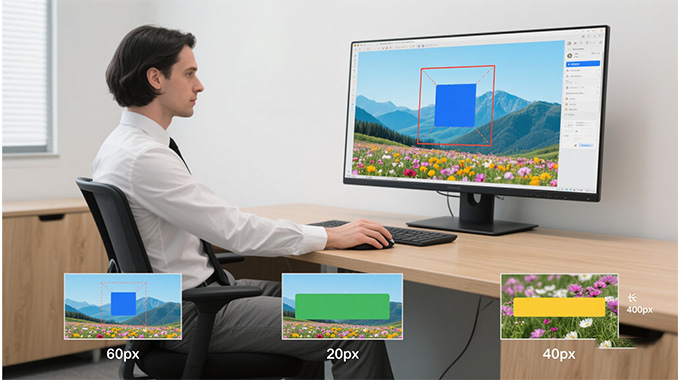
With our free online image editor, you can cut out the parts of a picture you don't need or focus more on the subject. Whether you want to remove space, adjust the size, or create a better frame, our cropping tool helps you control the final look of your image. This tool is useful for social media posts, profile pictures, and more.

The cropping tool is simple to use. Just upload your photo, determine the area you want to keep, and trim the rest away. You can also set custom sizes or drag the corners freely.

Multiple Filters and Effects

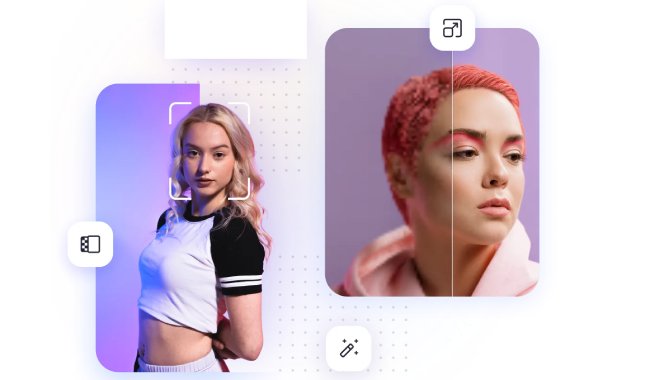
This free image editor lets you change the mood and style of your photographs with a wide range of filters and effects. It enables you to make your images look vintage, modern, and artistic. You can try different options that help your pictures stand out or match the theme you're working on.

Using the filters of our free online image editor is easy. Once you have uploaded the image, you can just click the filter you want to use. Then, it will be applied automatically. Moreover, it allows you to adjust other settings, such as contrast, brightness, and more.

Support Drawing and Painting

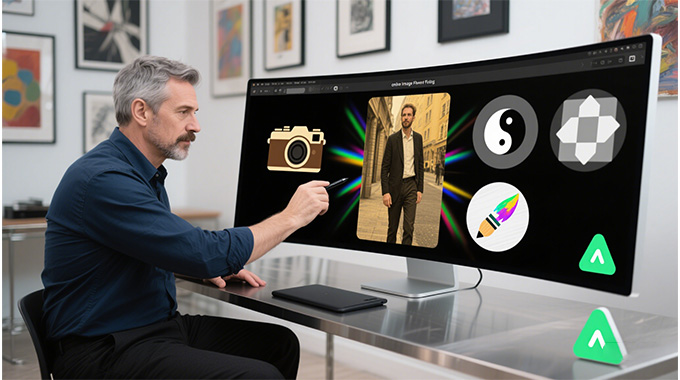
The drawing and painting tools in our free online image editor allow you to add your own touch to your pictures. With these tools of our online image editor, you can let your creativity run wild by drawing, sketching, or adding fun designs to your images. This feature permits you to freely express your ideas right on the image, whether you're adding comments, making playful tweaks, or creating something original.

Besides, it is also useful for creating quick highlights, adding arrows, or highlighting details in a picture. This makes it ideal for both creative art and practical uses, such as school projects, tutorials, or social media content.

Discover What Sets It Apart

No Sign-Up Needed
You don't need to create or enter confidential information to use our free online image editor. Just open our online image editor, upload your photo, and start editing right away. This function of the online tool ensures convenience and protects your privacy.
Easy to Use for Everyone
This free image editor features a simple layout, making it easy for anyone to use. You can drag and drop shots, add text, or make changes in just a few clicks. It's perfect for beginners or anyone who needs quick edits.
No Watermarks
Our online image editor lets you edit photos without adding watermarks. All your images are free from any branding and look professional. It's perfect for business and personal projects.
Edit Anytime or Anywhere
Because our tool is an online image editor, you can use it on any device with a browser. Whether you're at home, at work, or on the move, your editing tools are always ready. It performs smoothly on both mobile devices and computers.

FAQs about Editing Images Online

What's the best online alternative for Photoshop?

One of the best online image editors available as an alternative to Photoshop is our tool. It offers different image editing features that enable you to improve your photos. Furthermore, our online image editor supports multiple image formats, permitting you to work with any photo format.

Can I insert text in an image online?

One of the best online image editors available as an alternative to Photoshop is our tool. It offers different image editing features that enable you to improve your photos. Furthermore, our online image editor supports multiple image formats, permitting you to work with any photo format.

Can I insert text in an image online?

Yes, our free online image editor allows you to insert text in an image. It also permits you to choose the font style, size, and even the color. This will enable you to make your pictures more informative.

Are there any limitations to using the free online image editor?

You can use our image editor without limit, so you can edit as many photos as you want. However, the maximum file size for image uploads is 20 MB. You have to make sure that the image you wish to edit will not exceed this limit.

Is the image I edited safe?

Yes, your edited images are safe with our online image editor. Our online server automatically deletes or removes your uploaded and edited photos. Additionally, it utilizes a secure connection to safeguard your data throughout the process.

Does this online image editor support multiple image formats?

Absolutely! You can input JPG, PNG, WEBP, and other image formats for editing. With this free image editor, you don't have to transform your image to a specific format before editing.

Back to Top
Contact Us