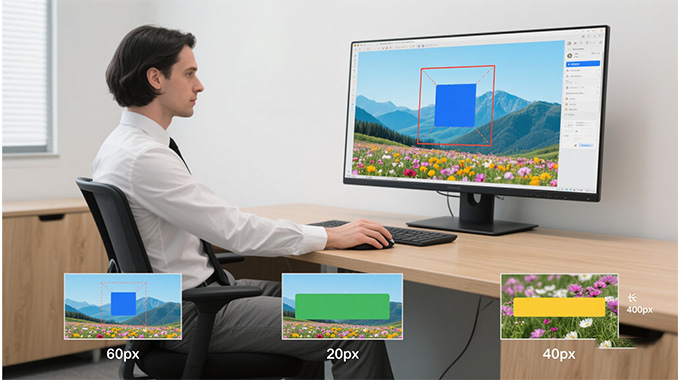
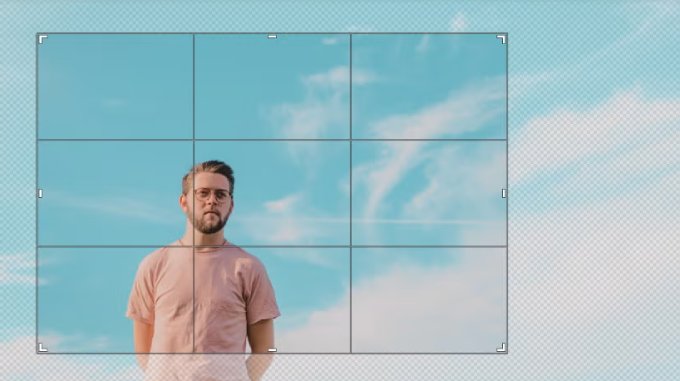
The image crop tool provides an easy and effective cropping interface that operates directly in your browser. To get started, you can either drag and drop files, upload images from your device, or paste a URL. The cropping frame is simple with click and drag corners, and you have complete control over what part of the image to retain. Enter custom pixel dimensions for precise sizing or select from an aspect ratio preset, such as square, 4:3, or 16:9. The real-time preview feature enables you to perfectly crop a photo for a profile picture or fit an image into a layout. It needs no design chops to apply, and the resulting cropped image is immediately ready to download.


Your privacy matters, and this crop tool is built to protect it. All image processing takes place in your browser or is handled securely on temporary servers. Once your cropped image is ready and downloaded, both the original and edited versions are permanently deleted. There's no data tracking, no image storage, and no need to share personal information. The platform is free of ads and pop-ups, creating a clean and distraction-free workspace. It's a trusted choice for cropping everything from personal photos to sensitive business visuals.
One of the best parts of using this tool is how fast and accessible it is - no accounts, no logins, and no waiting. You don't need to create a profile, confirm an email, or enter any details to use full cropping functionality. Just visit the tool, upload your image, crop it, and download the result within seconds. This makes it ideal for quick jobs, on-the-go edits, or users who value anonymity. It also works well in classrooms, workplaces, and public computers where login access might be limited. There are no barriers between you and your task - everything is available from the moment you land on the page.


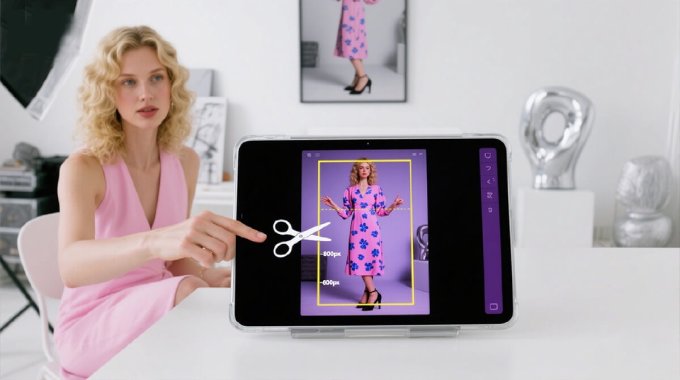
Cropping an image using our tool is straightforward and efficient, even for those with no prior editing experience. Our Crop Image tool is a free, browser-based solution that lets you cut and resize images quickly with precision. It's designed to remove unwanted parts of an image, highlight specific areas, or adjust dimensions for web use, documents, or social media. You simply upload a photo from your device or paste a URL, and the tool displays it with a cropping frame. You can move and resize the frame manually or enter exact measurements to match your needs. Once you've made your adjustments, you can instantly save the cropped image in your preferred format. The entire process is fast, secure, and doesn't require any downloads, sign-ups, or editing experience.
Our tool is fully web-based which implies that no software should be downloaded or installed. This prevents running the risk of your device being subject to malware, viruses, or shoddy files. Cropping is performed safely online in your browser. It is a secure option both at the workplace and privately even on a shared or shared PC.
All changes you make are in real-time, and you will see only the actual crop outcome before saving. No waiting on a change to load or lag time, and no waiting on file uploads or processing on the server. It will allow you to edit with speed and precision, be it small graphics or high-resolution images. The effect: smoother, more responsive dirtying with each use.
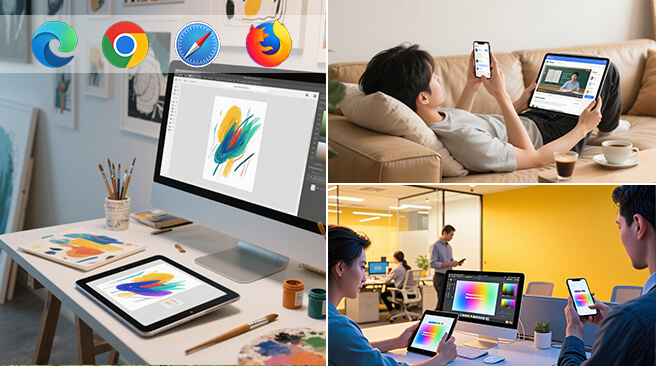
This tool is entirely browser based and does not need to be downloaded. There is no need to install plug-ins or use extensions. All you require is an internet connection, regardless of whether you are on Windows, Mac, Linux, iOS, or Android. Crop images on any device at any time without compatibility and update worries. It is a genuinely hassle-free option for editing on the go.

Our crop tool works with the popular image formats such as JPG, PNG, BMP, WEBP, or TIFF. This enables you to edit pictures, digital drawings, screenshots, or scans without first having to convert them. You can also select a preferred format to download once the image has been cropped. This versatility will make the tool adaptable to various requirements- both on the web and in the print medium. The final output is high quality, regardless of the file type used.
Yes, the crop tool is responsive and functional on smartphones, tablets, and desktop computers. No need to install an app, you simply open the tool on any modern browser, such as Chrome, Safari, Firefox, or Edge. It features an automatically adjustable interface that fits your screen, making it easy to crop and edit using touch. This makes it easy to do quick edits to images anywhere. The mobile supports all the features of a desktop.
No, your images are not stored or shared. We take privacy seriously. All uploaded files are processed securely and are automatically deleted from our servers shortly after your cropped image is ready. Nothing is saved or tracked, and there are no ads, pop-ups, or analytics scripts that compromise your data. The tool is designed to be safe for personal, business, or sensitive content without any risk to your privacy.
It provides an entirely free crop image tool to use on individual images. No registration, login, or personal information is necessary. No watermarks, no daily use restrictions on small to medium files, no additional costs. You can purchase a paid version for additional features, such as bundling a series of photos or operating on large file sizes. At the same time, the essential cropping tool remains free to anyone. It is great when you can edit and still be on time.
Nope, cropping does not degrade the quality of your image. The tool retains your original resolution and only erases parts outside your chosen crop frame. When downloading in a compact format like JPG, the quality might be slightly compromised. Still, it is well-balanced to allow clarity. However, it has some lossless formats, such as PNG, which can also be exported to preserve maximum detail. The result that you will get at the end is clean, sharp, and ready to use.