 Aquapp Studio



 SaveFrom is a popular online tool that helps users download videos from platforms like YouTube, Facebook, and more. It became widely used because it offers a quick and simple way to save videos for offline viewing. However, many users encounter issues like frequent ads, slow downloads, or non-functional links. Moreover, some people worry about safety and the reliability of certain downloads. As a result, users often search for a SaveFrom alternative that provides a smoother and more secure experience. Therefore, finding tools with better features, higher video quality, and safer downloads has become important. In this article, we will explore the best SaveFrom alternatives that offer improved performance, user-friendly options, and more flexibility for downloading videos from different platforms.
What's the Problem of Savefrom?
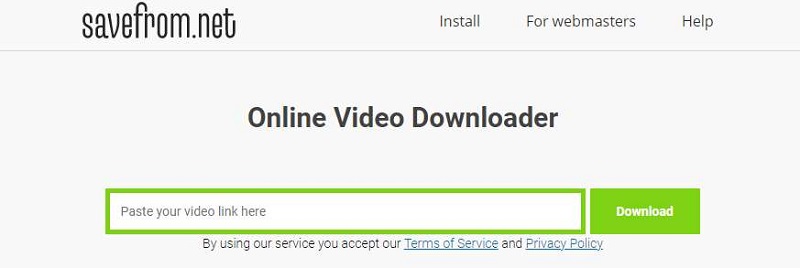
Savefrom.net allows you to quickly download online videos. It can download videos from more than 40 sites like YouTube, Vimeo, Dailymotion, Dailymotion, and Facebook. Where it can download videos from 40+ sites, but many users are seriously concerned about the following limitations or problems:
- You can save some HD videos using the Savefrom converter even though there is no sound. Take YouTube, for example. You can download a 1080P video as an MP4 file without audio.
- Unknown reasons may cause the video downloading process to be abruptly stopped.
- You may also find many advertisements on the official website that can lead you to download potentially dangerous or unwanted software.
- You can make the save from net helper script more functional by adding Tampermonkey to your Chrome extension.
- You may have saved the net helper to your browser, but it won't appear even if you restart the browser.
- You might be concerned that the savefrom.net virus or savefrom.net malware could be present on your site. Due to this, a large number of users might be wondering if Savefrom is safe and looking for some alternatives that can provide better and safer service.
Features to Look for in an Online Video Downloader
Before choosing a SaveFrom alternative, it’s important to know what features make an online video downloader truly reliable. A good tool should not only download videos but also offer convenience, safety, and flexibility. With that in mind, here are five key features you should look for.
1. Fast Download Speed
Look for an online video downloader that offers fast speeds, saving you time and avoiding long waiting periods. It ensures videos are ready quickly, even in high quality.
2. Support for Multiple Platforms
It’s helpful when a tool supports downloads from various sites like YouTube, Facebook, and Instagram. Additionally, this saves you from switching between different downloaders, so you can manage all your downloads in one place.
3. High-Quality Output Options
A good video downloader should let you choose video quality up to 720p or even 4k (if possible). That said, you can ensure a better viewing experience by avoiding a blurry version.
4. Safe and Secure Usage
Security is important to avoid malware or harmful ads. Therefore, find a trustworthy downloader that protects your device and personal data.
5. Easy-to-Use Interface
Choose an online video downloader that has an intuitive interface. With that, even if you are not familiar with the tool, you can still use it properly without needing technical knowledge.
Top 10 Savefrom.net Alternatives to Download Videos
1. AceThinker Free Online Video Downloader
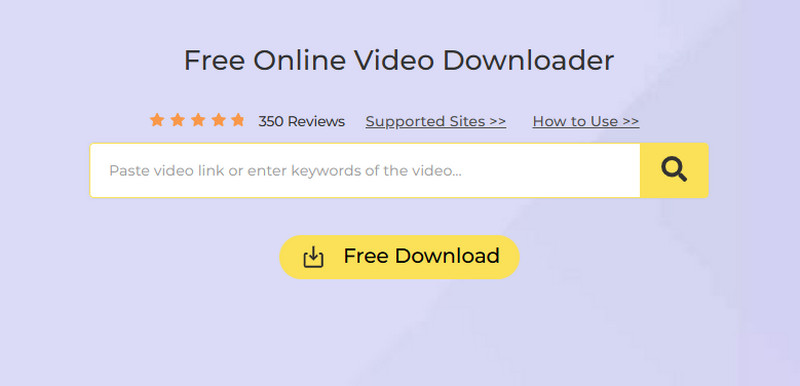
AceThinker Free Online Video Downloader is your one-stop solution for downloading videos from all the popular streaming sites and a good savefrom.net alternative. This MP4 link downloader allows you to not only download videos from YouTube but also from other websites like Vimeo, Dailymotion, and Bilibili. The performance of the website will not change, no matter how large or small. You can download videos from as many websites as you like.
Key Features
- It's a web-based URL link video downloader that you don't have to install
- You can download videos by simply copying and pasting the video link. The app will then analyze the video and grab it
- There are no restrictions - you can download any number of videos from different websites
- Before downloading starts, you can select the desired format

- Easily Download Videos with Great Quality
- Accelerated Download Speed
- Easy to Use Interface for New Users
2. SaveTheVideo
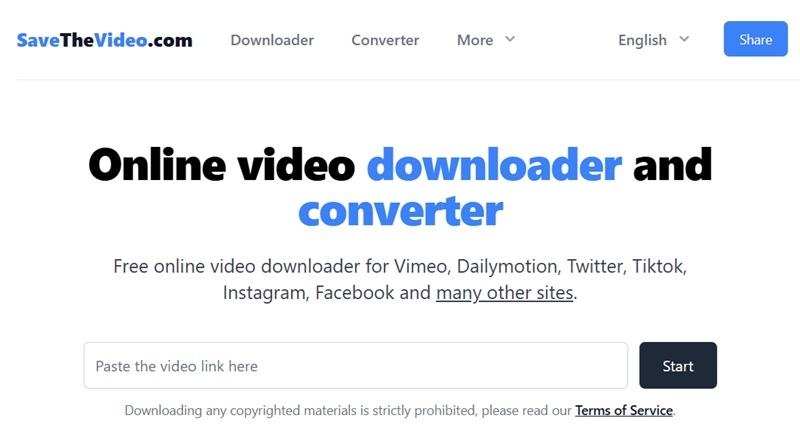
If you're looking for a reliable free online video downloader as an alternative to SaveFrom.net, SaveTheVideo is a powerful option worth considering. This web-based tool supports downloading videos from popular platforms like Vimeo, Dailymotion, TikTok, Facebook, Twitter, Instagram, and many others. Besides, you can also convert videos online into different formats like MP3, MP4, WEBM, and more. This feature makes extracting audio files or downloading videos in smaller file sizes convenient. Moreover, it allows you to simply paste the video URL into the tool and choose your preferred format and quality, streamlining the download process.
Key Features:
- It also lets you download video subtitles and closed captions, allowing you to watch content with multilingual support.
- This SaveFrom alternative offers an uncluttered interface that's manageable to navigate, even for users who aren't tech-savvy.
- It doesn't require you to create an account or install any software, making it a hassle-free option for quick video downloads.
3. Y2Mate
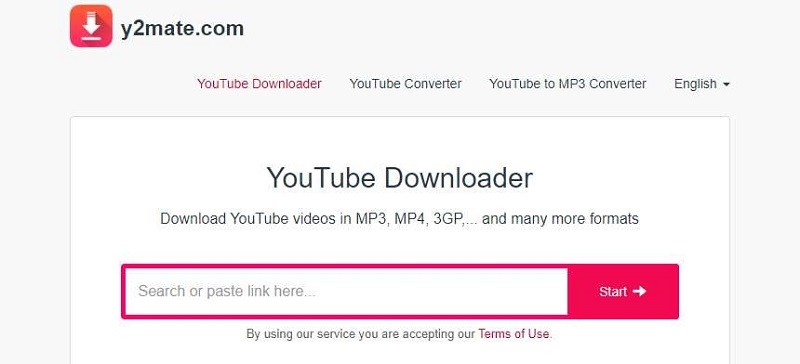
Y2Mate, one of the most well-known online video downloaders, allows you to download both MP4 as MP3 videos. This tool was designed to Download YT videos. Y2Mate, a reliable and simple-to-use video downloader, also lets you search YouTube videos directly from its website. Simply enter a keyword to see all related videos.
Key Features
- It allows users to download from various other websites like Daily Motion, Youku, Facebook, etc.
- Y2mate allows you to download all video formats, including MP4, M4V, and 3GP
- You can download videos from YouTube and other websites for free
4. DownloadVideo.net
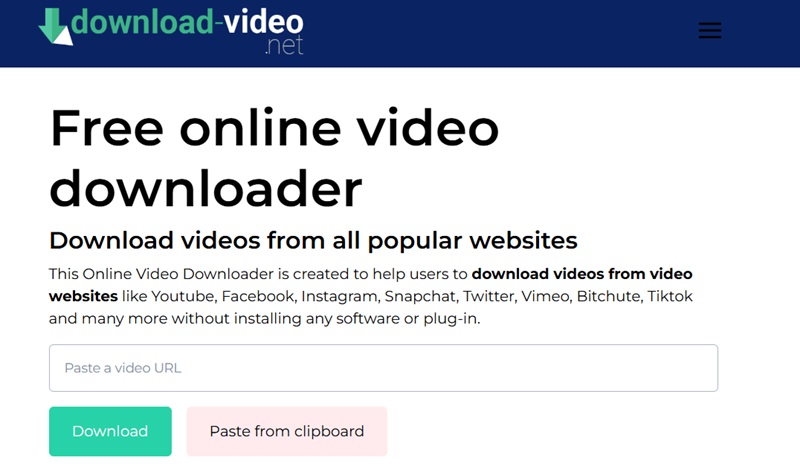
DownloadVideo Free Online Video downloader is one of the best Savefrom alternatives. This downloader can be used to download videos from video niche websites, i.e. YouTube, Dailymotion, Vimeo, etc. You can also use the downloader on social media sites like Facebook, Twitter, and Instagram. To download the file or video, you will need to enter the URL. You can also use this downloader to download content from adult websites; however, the URL will not appear on the homepage.
Key Features
- Various formats are supported by this downloader such as MP4A, 3GP, and WebM
- You can also download videos from mainstream social media platforms
- Do video supports More than 10,000 video sharing sites
- It allows you to download 1080P full HD and 4K videos with no quality loss
5. SSYouTube
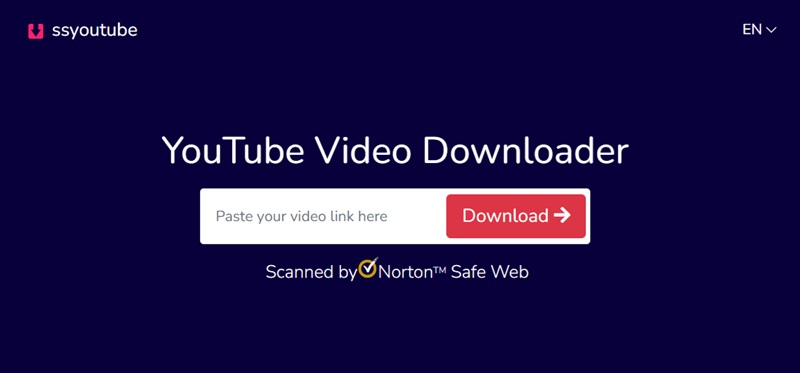
SSYouTube is another impressive SaveFrom.net alternative that specializes in YouTube video downloads. With this YouTube video downloader, you can save videos in various formats, such as MP4 and MP3. It also enables you to select the desired video quality, from low-resolution to HD, ensuring you get the best file to suit your needs. Furthermore, it works seamlessly across all devices, including desktops, laptops, tablets, and smartphones. Unlike SaveFrom.net, which may sometimes encounter technical issues or display annoying ads, SSYouTube provides a smooth, ad-free experience, making it a reliable choice for YouTube video downloads.
Key Features:
- This download is free to use so that you can enjoy its functions without any subscription fees or hidden costs.
- SSYouTube prioritizes user privacy and doesn't require creating an account or providing any personal information to use the service.
- It presents a simple, intuitive interface that makes downloading YouTube videos a breeze, even for beginners.
6. ClipConverter
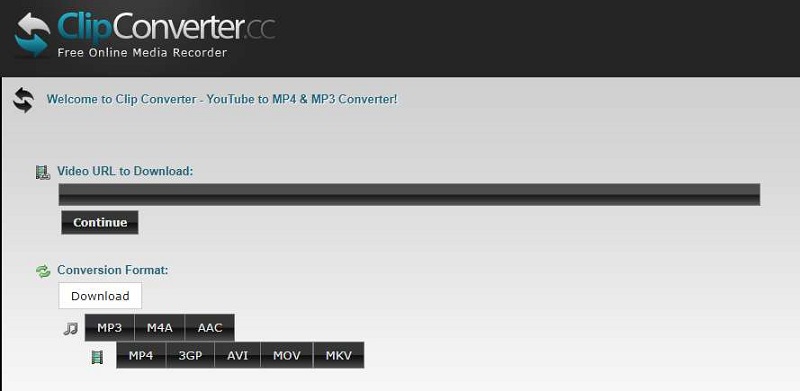
ClipConverter can also be used as an alternative or savefrom.net similar sites. It can be used on many video sites like Youtube, Dailymotion, and Vimeo. ClipConverter can be used to help you download videos from social media platforms. Besides, ClipConverter can do many other things than just downloading. You can convert the video to another format, and you can also download a 4K HD video using this tool.
Key Features
- This downloader can be used on both mac and windows computers
- The extension of ClipConverter is also available for different browsers
- You can download the video in various resolutions, such as MP4, MP4A, and 3GP
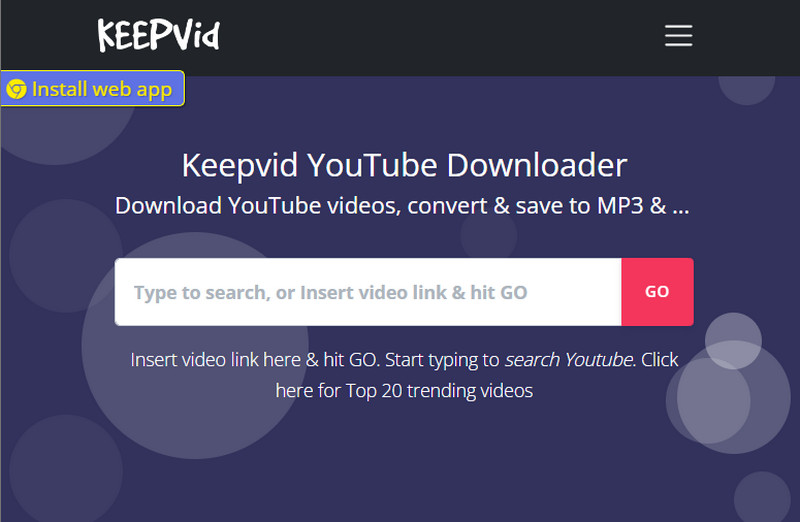
7. Keepvid YouTube Downloader
Another Savefrom alternative you can try is the Keepvid YouTube Downloader. It lets you search using keywords and will provide you with the top 20 trending videos related to the keyword. Besides, you can directly paste the video URL, and it will give you download options. Aside from YouTube, Keepvid supports various platforms such as Facebook, Instagram, and Twitter.
Key Features
- It supports various media formats such as MP4, MP3, WebM, and M4A.
- Keepvid can also download YouTube playlists as MP3 or MP4.
- This online downloader can download videos along with their metadata.
8. PasteDownload
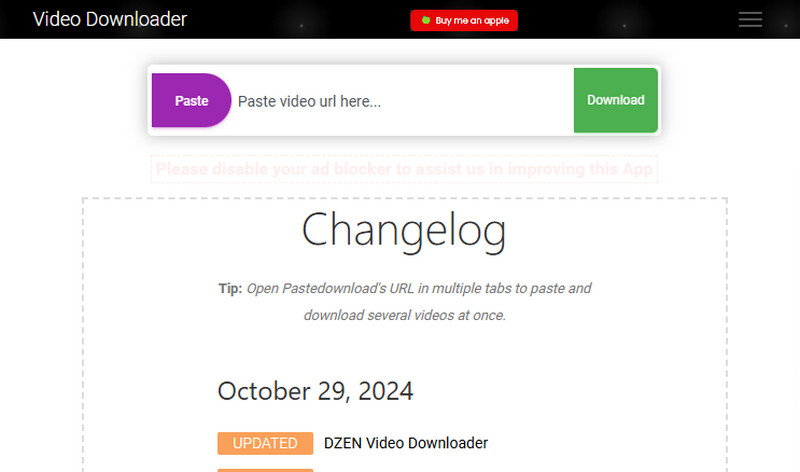
Paste Download is an online tool for downloading videos from various sites. It is simple and easy to use, with user-friendly navigation, so anyone can use it, even those who don’t have technical knowledge of downloading videos. Additionally, it supports popular media formats, including MP4, MKV, MP3, etc. Besides, you can download your favorite videos in different resolutions up to 1080p.
Key Features
- This downloader supports popular video sites like Facebook, YouTube, Bilibili, and more.
- It has a separate downloader for private videos.
- It works in the copy-paste method to download your favorite videos.
9. SnapSave
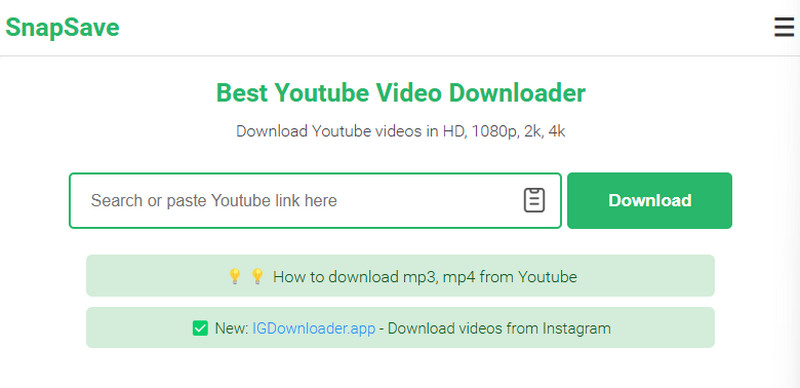
SnapSave online downloader is one of the best Savefrom alternatives you can opt for. It can easily download videos from any site with highest quality up to 1080p. Also, the sites supported by this downloader are YouTube, Dailymotion, BIlibili, and many more. Moreover, Snapsave is free and it allows you to save videos as many as you want. This means that you can download and watch all your favorite videos without a limit.
Key Features
- You can download and convert videos in any format, including MP4, MOV, FLV, MP3, etc.
- SnapSave is accessible on all devices, like phones, tablets, and computers.
- It can also work on any browser, including Safari, Chrome, and Firefox.
10. Video Grabber
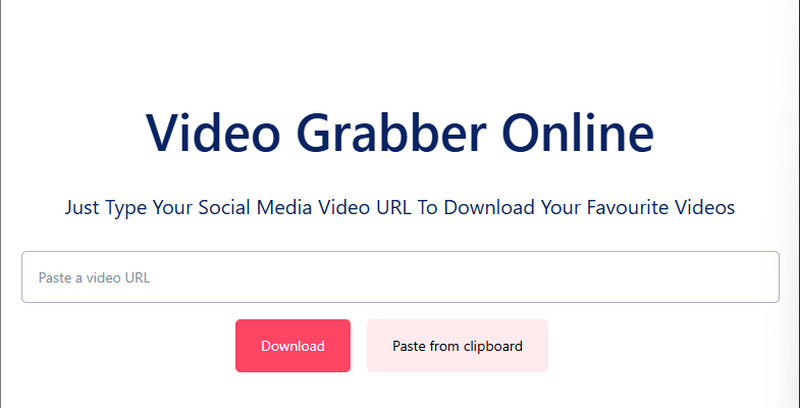
Use Video Grabber to get videos from popular streaming sites like YouTube, Vimeo, Twitter, etc. It is an online downloader that can be used to save high-quality videos. Furthermore, even though it's free, you can download unlimited videos and get your videos in just a minute. Besides, you don't need to create an account before using it. However, it contains advertisements that can interrupt your downloading.
Key Features
- You can use this tool on your smartphone, computer, or tablet.
- It supports downloading videos in various formats such as MP4, MP3, WebM, MP4, and more.
- This online tool does not support downloading copyrighted videos.
The Bottom Line
While Savefrom.net is a popular video downloader, it has limitations like downloading issues and ads that may lead to unwanted software. For those seeking alternatives, tools like AceThinker Free Online Video Downloader offer a range of features and support for various sites. Each option has strengths and weaknesses, so choosing the best one depends on your needs, such as video quality, supported sites, and format preferences.


